

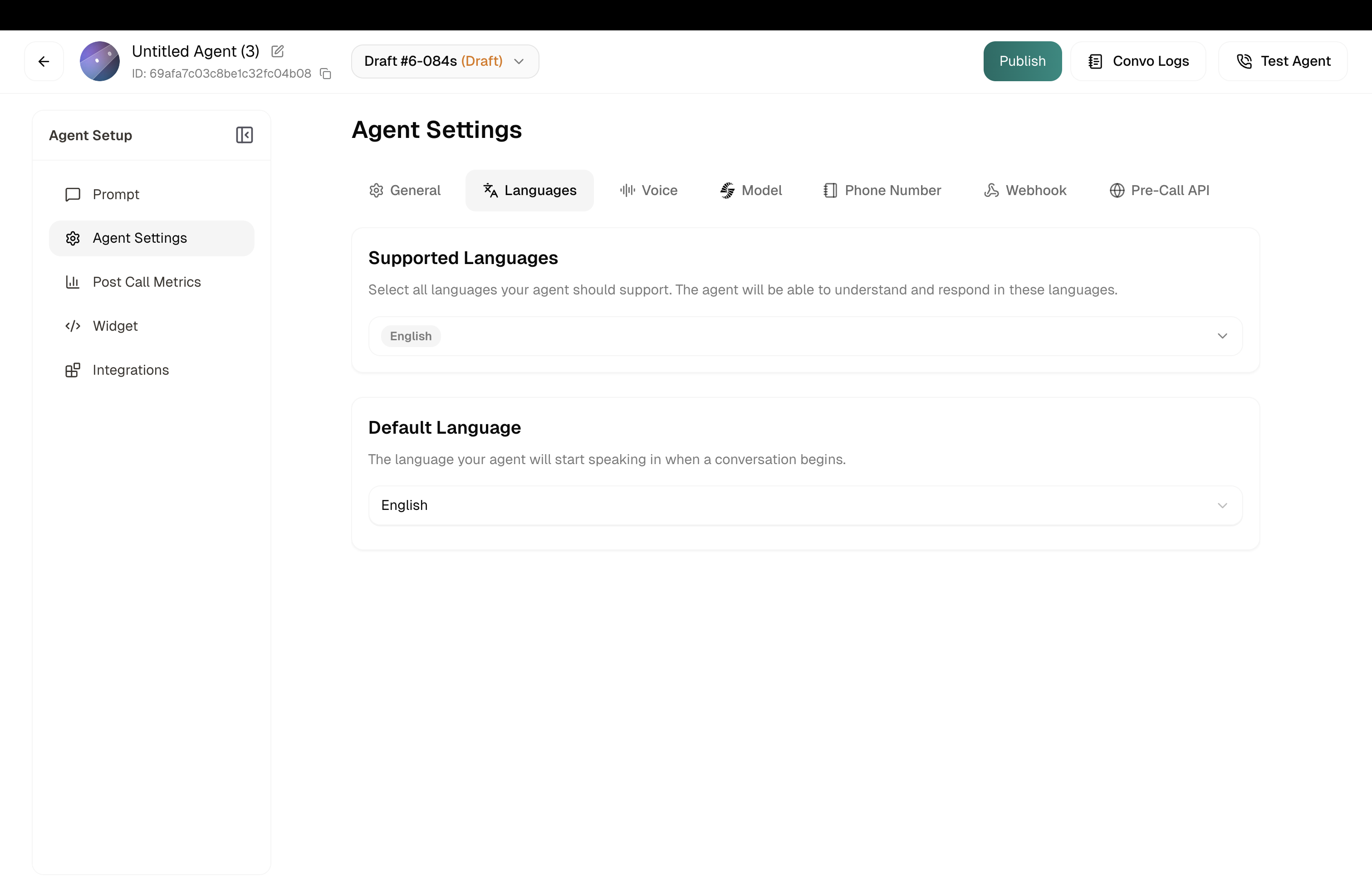
Language Selection
This sets the language your agent speaks by default. Simple as that.
Location: Agent Settings → Languages tab
How It Works
Click the dropdown, pick your language. The options you see depend on which voice you’ve selected — different voices support different languages. If you don’t see the language you need, try a different voice first.
Need multi-language support? If your agent should switch languages mid-conversation based on what the caller speaks, configure that in Model Settings.