

Model Settings
Model Settings control how the AI behaves — the model powering responses, language handling, and formatting preferences.
Location: Left Sidebar → Agent Settings → Model tab
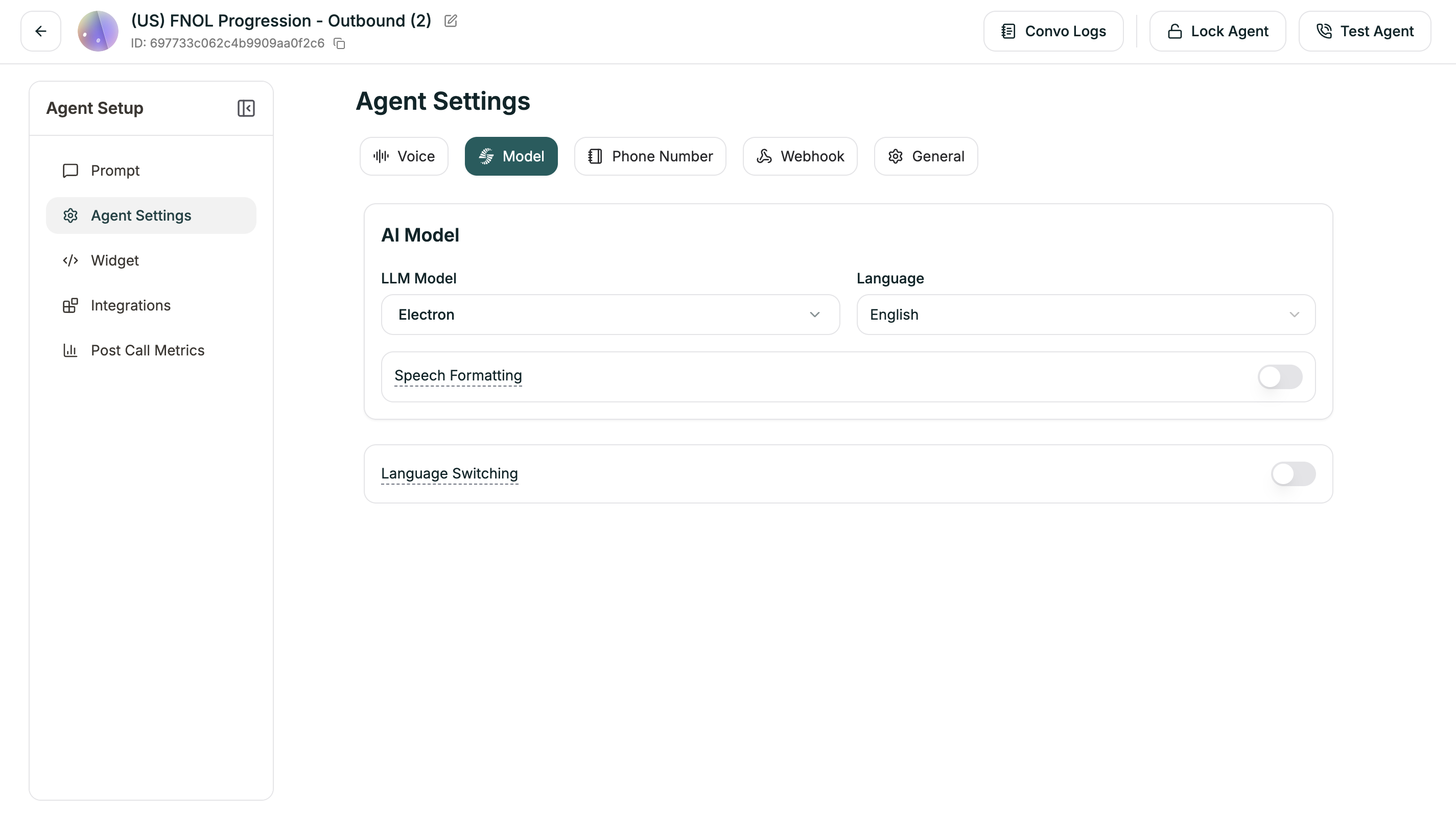
AI Model
Choose the LLM powering your agent and its primary language.
You can also set the model in the Prompt Section dropdown at the top of the editor.
Speech Formatting
When enabled (default: ON), the system automatically formats transcripts for readability — adding punctuation, paragraphs, and proper formatting for dates, times, and numbers.
Language Switching
Enable your agent to switch languages mid-conversation based on what the caller speaks (default: ON).
Advanced Settings
When Language Switching is enabled, you can fine-tune detection:
Understanding the thresholds:
- Strong Signal: Very confident the caller switched → switches immediately
- Weak Signal: Somewhat confident → waits for more evidence
- Higher thresholds = More certain before switching (fewer false switches)
- Lower thresholds = Quicker to switch (more responsive)
For most cases, the defaults work well. Adjust only if you’re seeing unwanted switching behavior.