

Variables
Variables let you personalize conversations with dynamic data — caller information, API responses, or values you define.
Location: Workflow tab → Variables button (top right)
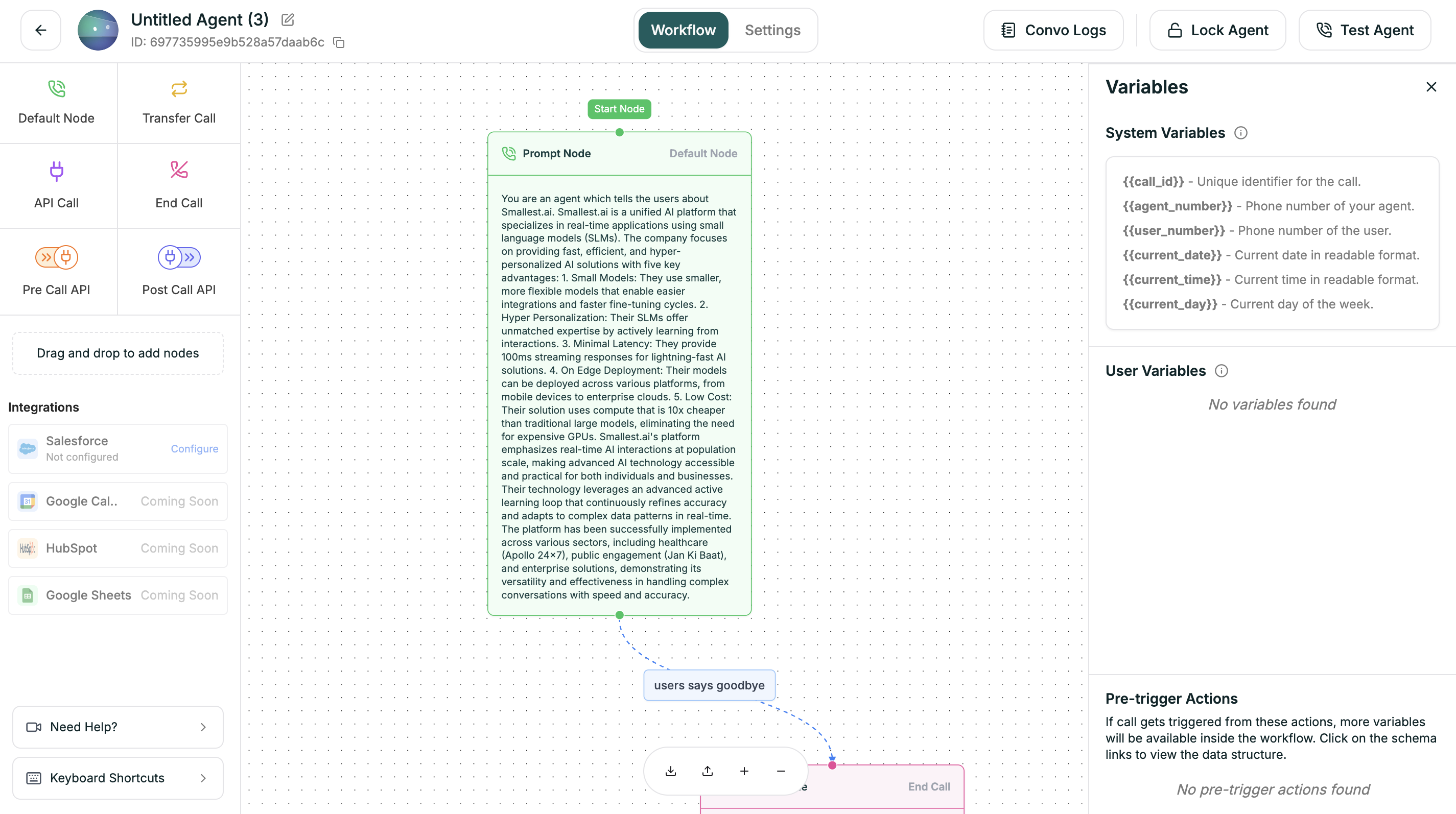
Variable Types
Syntax
Use double curly braces anywhere in prompts or conditions:
Default Values
Handle missing variables with the pipe syntax:
If customer_name is empty → “Hello there!”
System Variables
Creating Variables
- Click Variables in the workflow tab
- Go to User Defined tab
- Click + Add Variable
- Enter name and default value
Extracting from APIs
In API nodes, use Extract Response Data to create variables from responses: