

For AI agents: a documentation index is available at the root level at /llms.txt and /llms-full.txt. Append /llms.txt to any URL for a page-level index, or .md for the markdown version of any page.
Atoms PlatformProduct OverviewDeveloper GuideAPI ReferenceMCPIntegrationsDeveloper ToolsChangelog
  • Get Started
    • Quick start
    • Platform overview
  • Single Prompt Agents
    • Overview
      • End Call
      • Transfer Call
      • Knowledge Base
      • Variables
      • API Calls
  • Conversational Flow Agents
    • Overview
  • Features
    • Concurrency
    • Knowledge Base
    • Webhooks
    • Widget
    • Integrations
    • Post-Call Metrics
    • Versioning
    • Variables
    • API Calls
  • Deployment
    • Phone Numbers
    • Audiences
    • Campaigns
  • Analytics & Logs
    • Overview
    • Testing
    • Conversation Logs
    • Locking
  • Integrate
    • Embed a voice agent
    • WebSocket SDK
  • Cookbooks
    • Using Cookbooks
  • Reference
    • Quick Reference
    • Glossary
  • Troubleshooting
    • Error reference
    • FAQ
    • Getting Help
LogoLogo
Voice AgentsModels
Voice AgentsModels
On this page
  • Variable Types
  • Syntax
  • Example
  • Default Values
  • Creating User Variables
  • Best Practices
  • Related
Single Prompt AgentsConfiguration Panel

Variables

||View as Markdown|
Was this page helpful?
Previous

Knowledge Base

Next

API Calls

Built with

Variables let you personalize conversations with dynamic data. Instead of static text, insert values that change based on the caller, API responses, or information collected during the call.

Location: Config Panel (right sidebar) → Variables
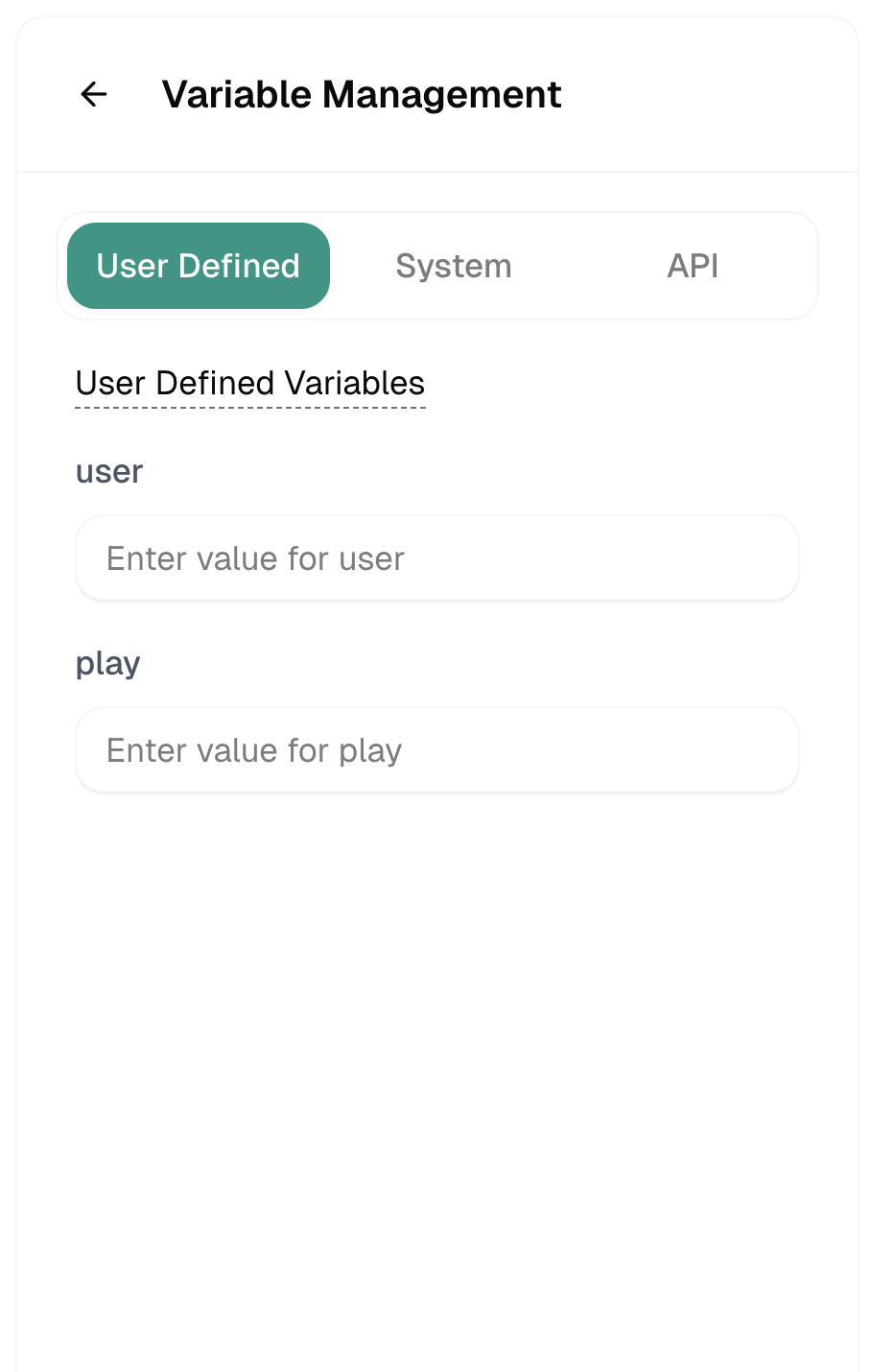

Variable Types

User Defined
System
API

User defined variables

User Defined variables

Variables you create with default values.

ExampleUse Case
{{company_name}}Your company name
{{support_hours}}Operating hours
{{promo_code}}Current promotion

Syntax

Use double curly braces:

{{variable_name}}

Example

In your prompt:

Hello {{customer_name}}! Thanks for calling {{company_name}}.
I see you're a {{api.tier}} member. Your last order was
{{api.last_order_status}}.
How can I help you today?

At runtime:

Hello Sarah! Thanks for calling Acme Corp.
I see you're a Premium member. Your last order was
shipped on Monday.
How can I help you today?

Default Values

Handle missing variables gracefully:

Hello {{customer_name|there}}!

If customer_name is empty → “Hello there!”


Creating User Variables

  1. Open the Variables panel
  2. Go to User Defined tab
  3. Click + Add Variable
  4. Enter name and default value
  5. Use in prompts with {{name}} syntax

Best Practices

Use descriptive names
GoodBad
{{customer_first_name}}{{n}}
{{appointment_date}}{{d1}}
Always have fallbacks

What if the variable is empty?

  • Use default values: {{name|there}}
  • Handle in prompt: “If customer name is unknown, greet generically”
Test substitution

Verify variables replace correctly. Check Convo Logs to see actual values.


Related

API Calls

Fetch data from external APIs

Writing Prompts

Use variables in your prompts