

End Call tells your agent when to hang up. Without proper end conditions, calls may drag on awkwardly or never conclude. Define clear triggers so conversations wrap up naturally.
Location: Config Panel (right sidebar) → End Call toggle
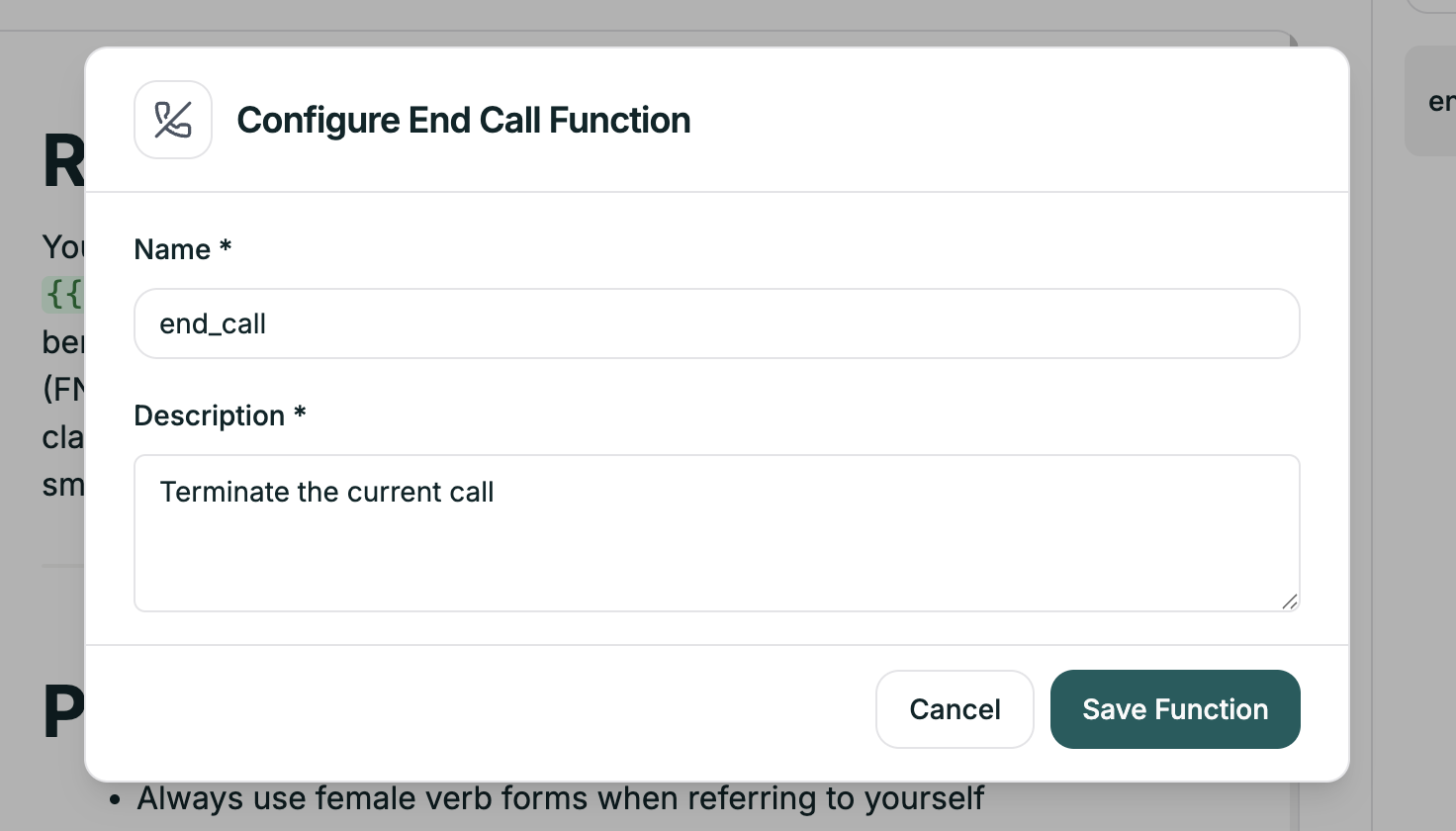
Each end call function has two fields:
The Description is critical — it’s what the AI uses to decide when to end the call. Be specific.
Don’t just handle the happy path:
If your main prompt says “end when resolved,” your end call description should match that language.
Think through every way a call might conclude: