

Transfer Call lets your agent hand off conversations to humans when needed. You can do a cold transfer (immediate connection) or a warm transfer (AI briefs the human first).
Location: Config Panel (right sidebar) → Transfer Call toggle
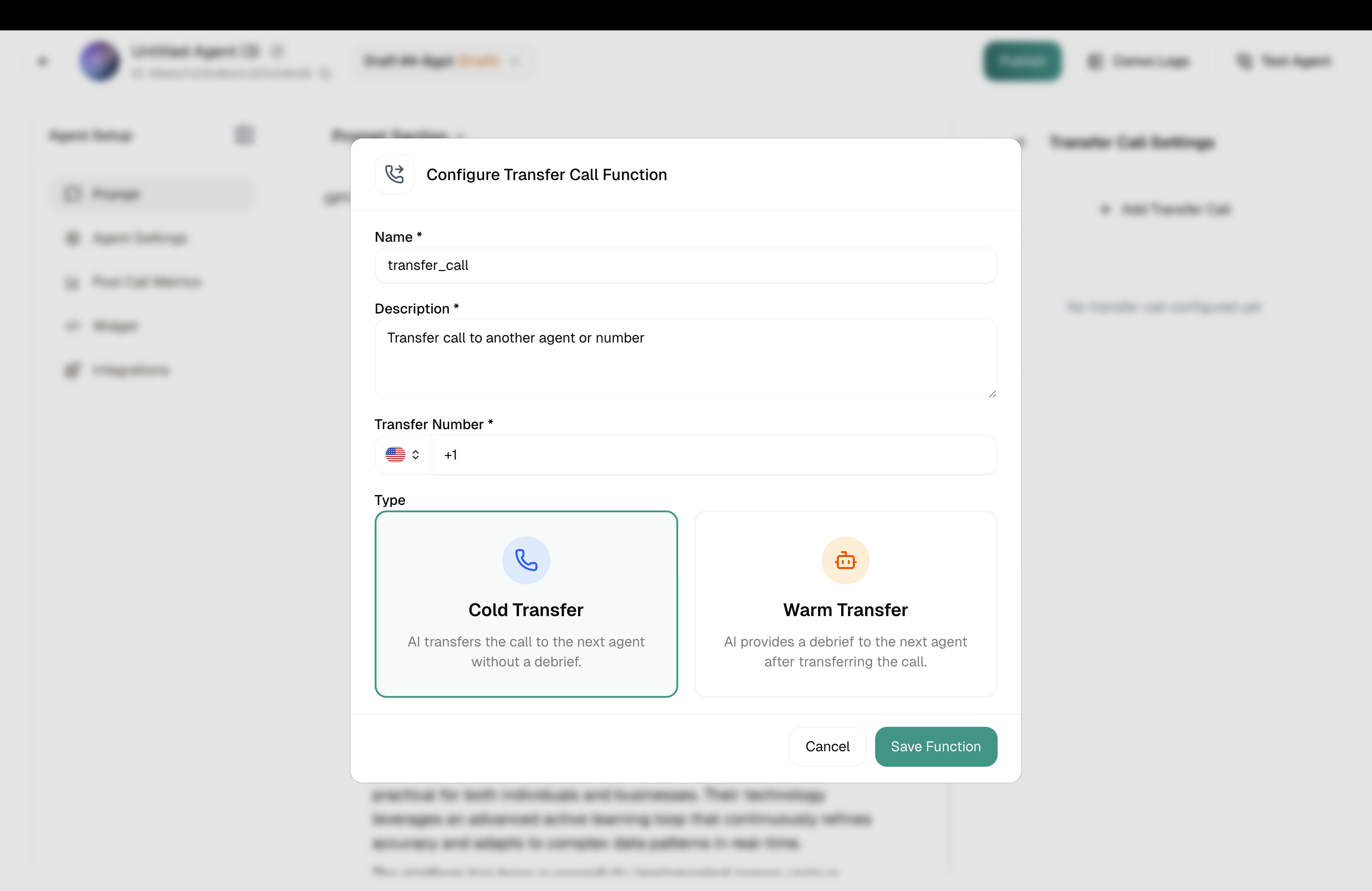
Immediate handoff. The caller connects directly to the destination without any briefing.
Best for: Simple escalations, high call volume, when speed matters most.
When you select Warm Transfer, additional settings appear:
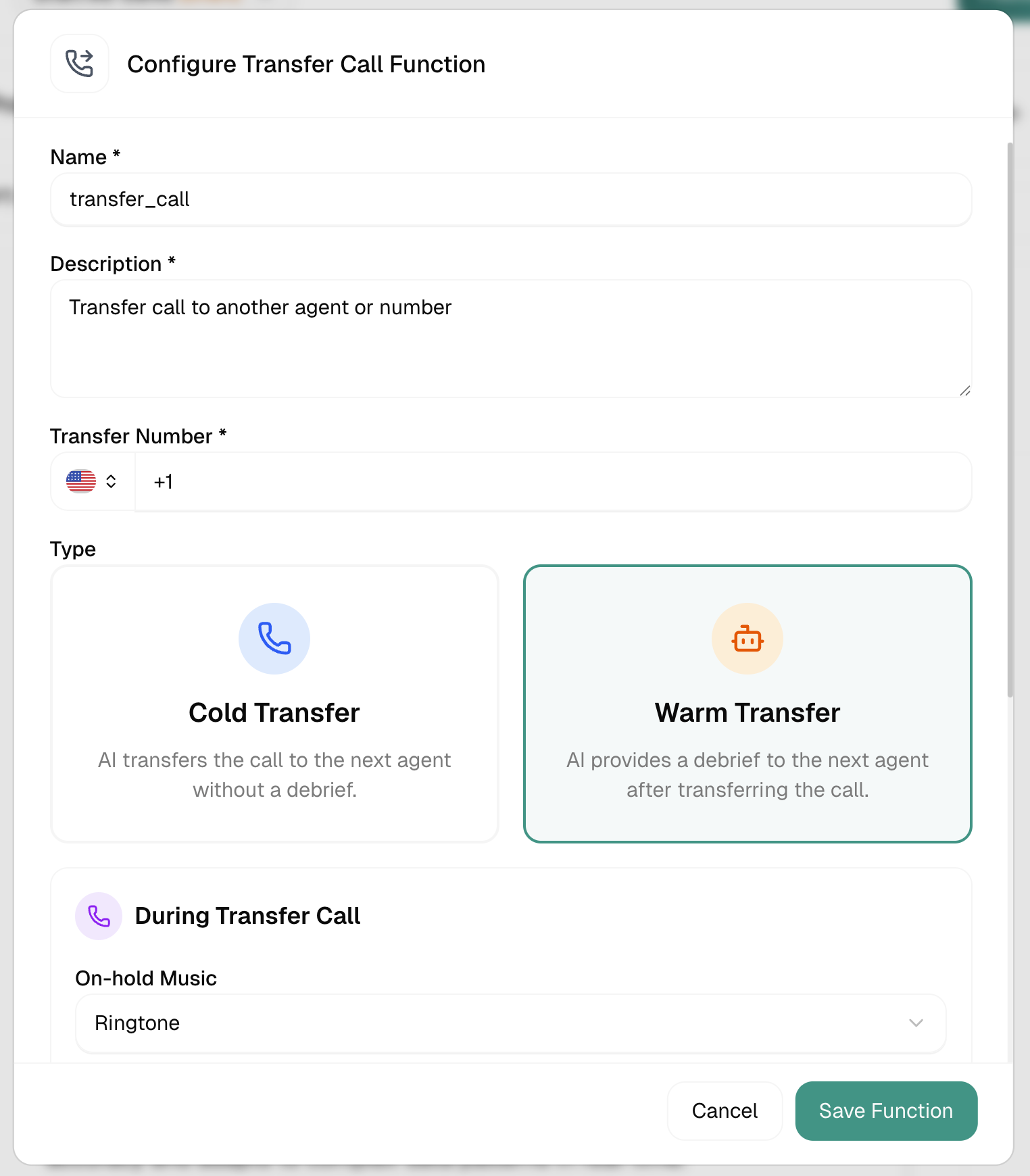
Only the agent hears this — give them everything they need:
“Incoming transfer: Customer John calling about a billing dispute. He’s been charged twice for order #12345. Already verified his identity.”
Both parties hear this — use it for smooth handoffs:
“I’ve connected you with Sarah from our billing team. Sarah, John is calling about a duplicate charge on order #12345.”