

General Settings
General Settings let you configure the agent’s opening message and how long it waits before prompting idle callers.
Location: Left Sidebar → Agent Settings → General tab
First Message
Set a static first message that the agent speaks when a conversation begins. This is useful for campaigns at scale since it avoids generating the opening message via the LLM each time, reducing costs significantly.
If left empty, the agent falls back to generating the first message from the LLM as usual.
You can use variables in the first message with double curly braces, e.g. {{agent_name}} or {{company}}.
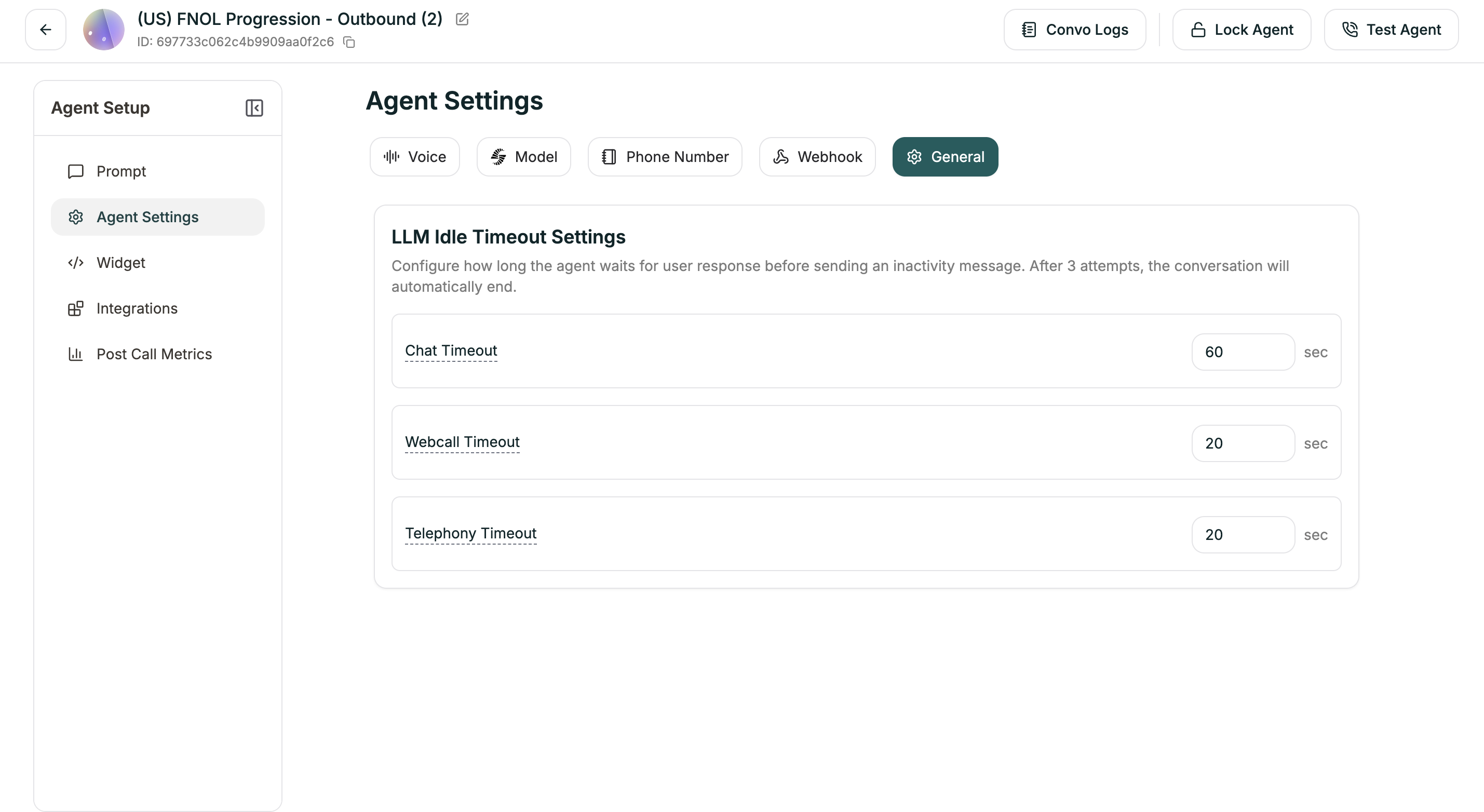
LLM Idle Timeout Settings
Configure how long the agent waits for user response before sending an inactivity message. After 3 attempts with no response, the conversation automatically ends.
Each timeout triggers an inactivity prompt. If the user still doesn’t respond after 3 prompts, the agent ends the conversation gracefully.