

For AI agents: a documentation index is available at the root level at /llms.txt and /llms-full.txt. Append /llms.txt to any URL for a page-level index, or .md for the markdown version of any page.
Atoms PlatformProduct OverviewDeveloper GuideAPI ReferenceMCPIntegrationsDeveloper ToolsChangelog
  • Get Started
    • Quick start
    • Platform overview
  • Single Prompt Agents
    • Overview
      • General Settings
      • Language Selection
      • Voice Settings
      • Model Settings
      • Phone Number
      • Webhooks
  • Conversational Flow Agents
    • Overview
  • Features
    • Concurrency
    • Knowledge Base
    • Webhooks
    • Widget
    • Integrations
    • Post-Call Metrics
    • Versioning
    • Variables
    • API Calls
  • Deployment
    • Phone Numbers
    • Audiences
    • Campaigns
  • Analytics & Logs
    • Overview
    • Testing
    • Conversation Logs
    • Locking
  • Integrate
    • Embed a voice agent
    • WebSocket SDK
  • Cookbooks
    • Using Cookbooks
  • Reference
    • Quick Reference
    • Glossary
  • Troubleshooting
    • Error reference
    • FAQ
    • Getting Help
LogoLogo
Voice AgentsModels
Voice AgentsModels
On this page
  • Select Phone Numbers
  • Related
Single Prompt AgentsAgent Settings

Phone Number

||View as Markdown|
Was this page helpful?
Previous

Model Settings

Next

Webhooks

Built with

The Phone Number tab lets you connect your agent to a phone number for inbound and outbound calls. Once assigned, callers to that number will reach this agent.

Location: Left Sidebar → Agent Settings → Phone Number tab
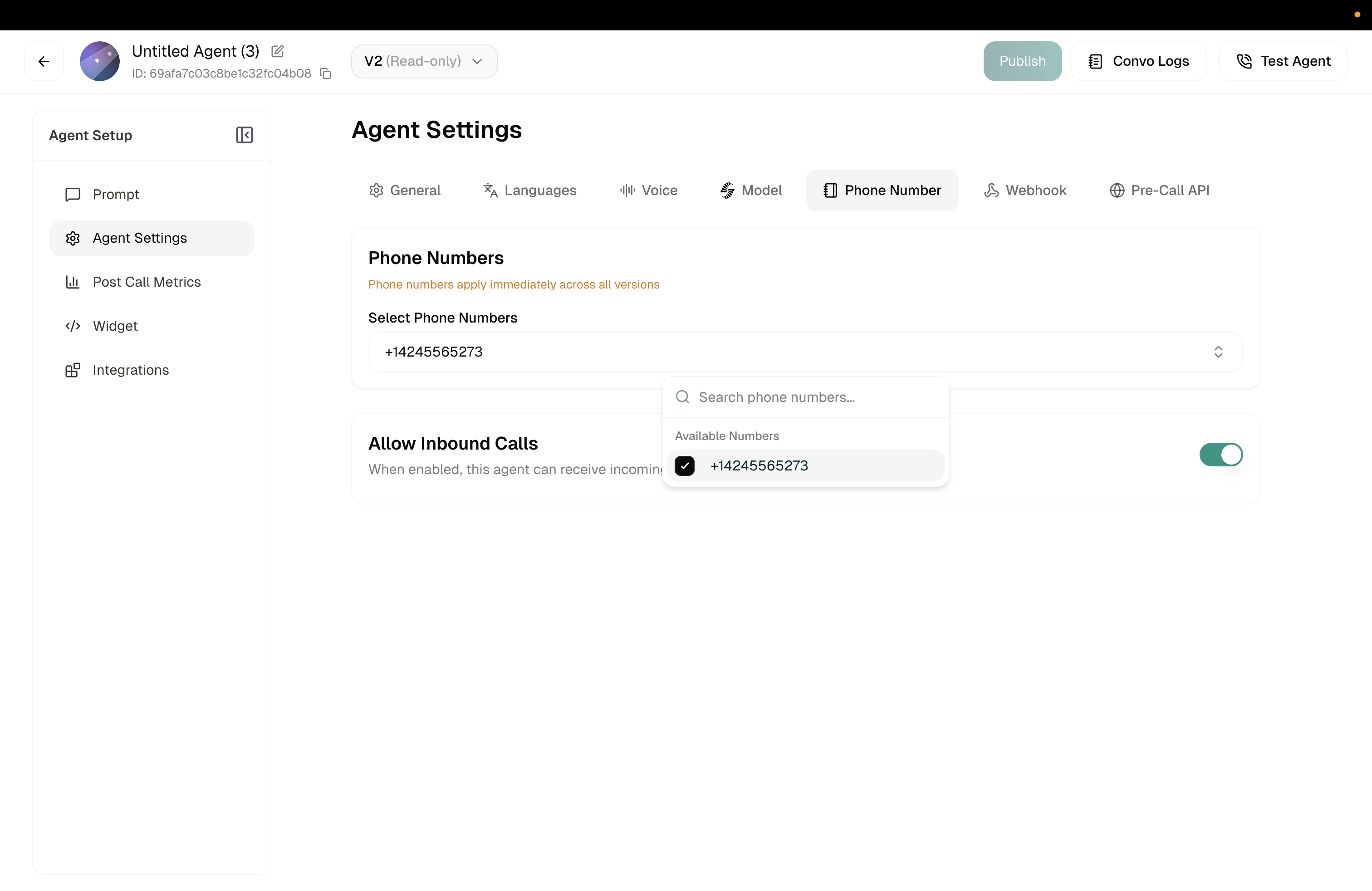
Phone number settings

Phone Number settings

Select Phone Numbers

Click the dropdown to choose from your available phone numbers. If you haven’t set up any numbers yet, you’ll see “No phone numbers selected.”

You can assign multiple numbers to the same agent if needed.

You need to purchase or configure phone numbers before they appear here. See Phone Numbers to get started.


Related

Phone Numbers

Get and manage phone numbers

Campaigns

Set up outbound calling