

Languages
The Languages tab lets you define which languages your Conversational Flow agent can communicate in.
Location: Settings tab → Languages
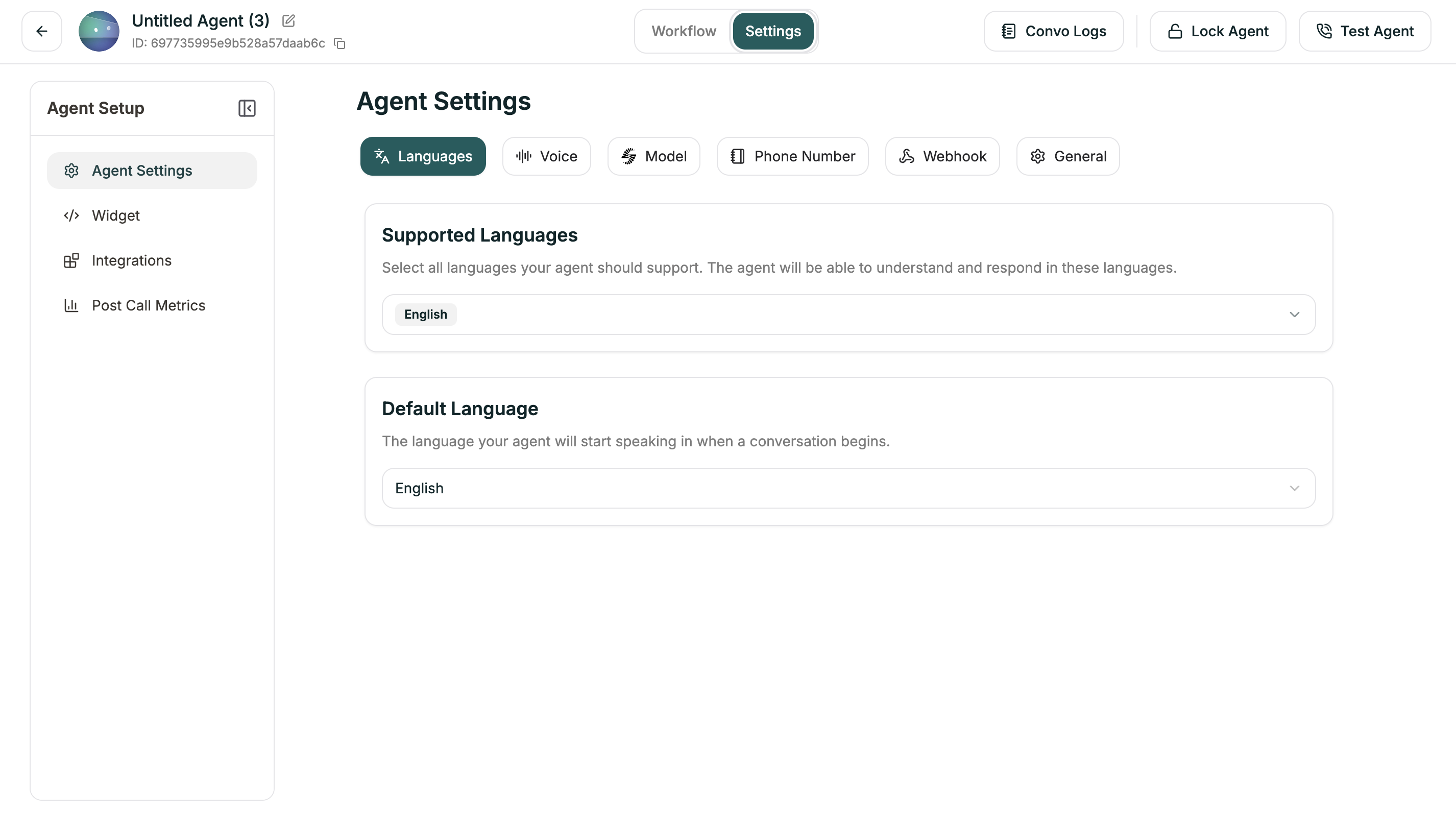
Configuration
Adding Languages
- Open Settings tab
- Go to Languages
- Click + Add Language
- Select from available languages
- Set one as primary
Your agent will start conversations in the primary language but can switch to any supported language if the caller speaks differently.
Language Switching
When combined with Language Switching in the Model tab, your agent can automatically detect when a caller speaks a different language and switch accordingly.