

Manual Setup
Starting from scratch gives you complete control. You’ll land in an empty workflow builder ready for your design.
Getting There
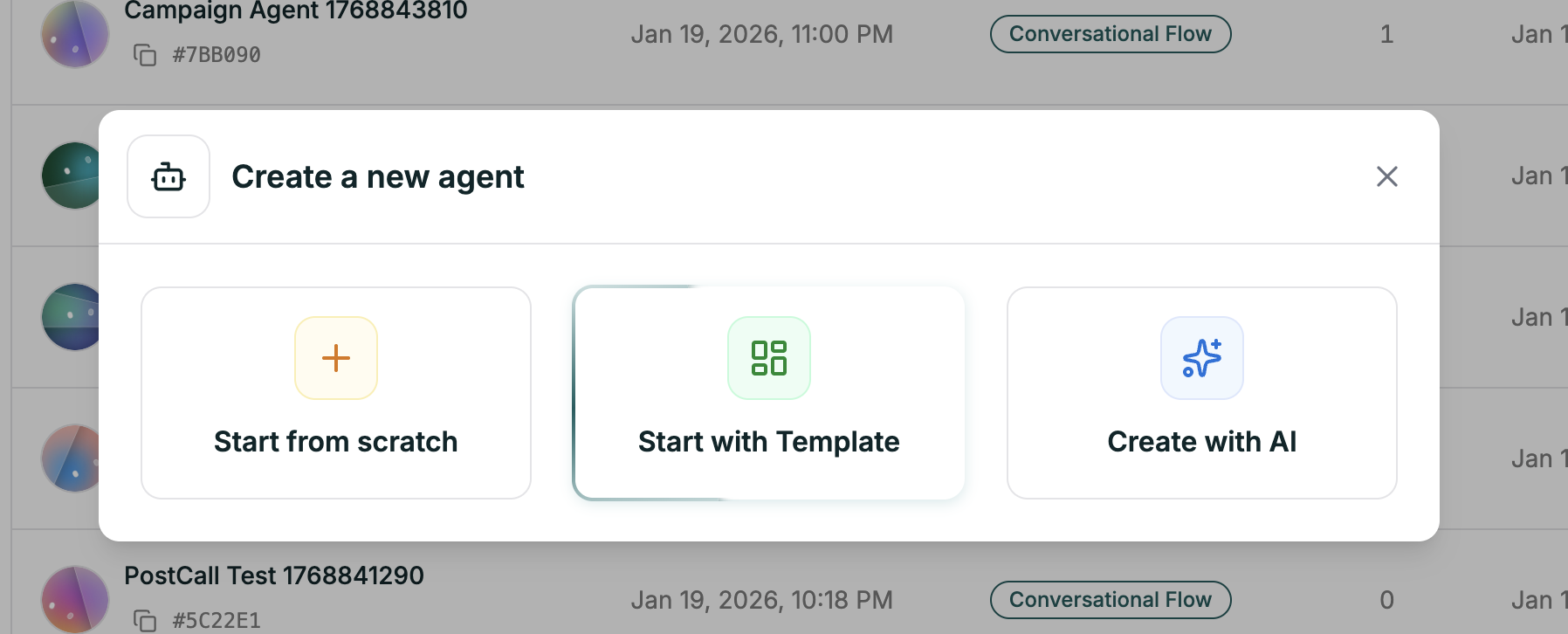
The editor opens with an empty canvas — ready for you to build your workflow.
What’s Next
You’re now in the editor. Here’s where to go from here:
Build Your Workflow
Learn the canvas and start adding nodes
Understand Nodes
Every node type and how to use them
Set Up Branches
Create paths based on caller responses
Configure Settings
Voice, model, and agent settings
First time? Start by dragging a Default node onto the canvas, writing a greeting, and hitting Test Agent (top right). You can build out the full flow as you go.