

For AI agents: a documentation index is available at the root level at /llms.txt and /llms-full.txt. Append /llms.txt to any URL for a page-level index, or .md for the markdown version of any page.
Atoms PlatformProduct OverviewDeveloper GuideAPI ReferenceMCPIntegrationsDeveloper ToolsChangelog
  • Get Started
    • Quick start
    • Platform overview
  • Single Prompt Agents
    • Overview
  • Conversational Flow Agents
    • Overview
      • General Settings
      • Languages
      • Voice Settings
      • Model Settings
      • Phone Number
      • Webhooks
  • Features
    • Concurrency
    • Knowledge Base
    • Webhooks
    • Widget
    • Integrations
    • Post-Call Metrics
    • Versioning
    • Variables
    • API Calls
  • Deployment
    • Phone Numbers
    • Audiences
    • Campaigns
  • Analytics & Logs
    • Overview
    • Testing
    • Conversation Logs
    • Locking
  • Integrate
    • Embed a voice agent
    • WebSocket SDK
  • Cookbooks
    • Using Cookbooks
  • Reference
    • Quick Reference
    • Glossary
  • Troubleshooting
    • Error reference
    • FAQ
    • Getting Help
LogoLogo
Voice AgentsModels
Voice AgentsModels
On this page
  • Adding to Your Agent
  • Next
Conversational Flow AgentsAgent Settings

Webhooks

Deprecated
||View as Markdown|
Was this page helpful?
Previous

Phone Number

Next

Concurrency

Built with

Webhooks push real-time data to your systems when call events happen — starts, ends, analytics ready. Use them to update CRMs, create tickets, trigger workflows, or feed analytics pipelines.

Location: Settings tab → Webhooks


Adding to Your Agent

Once a webhook endpoint exists, connect it to your agent here.
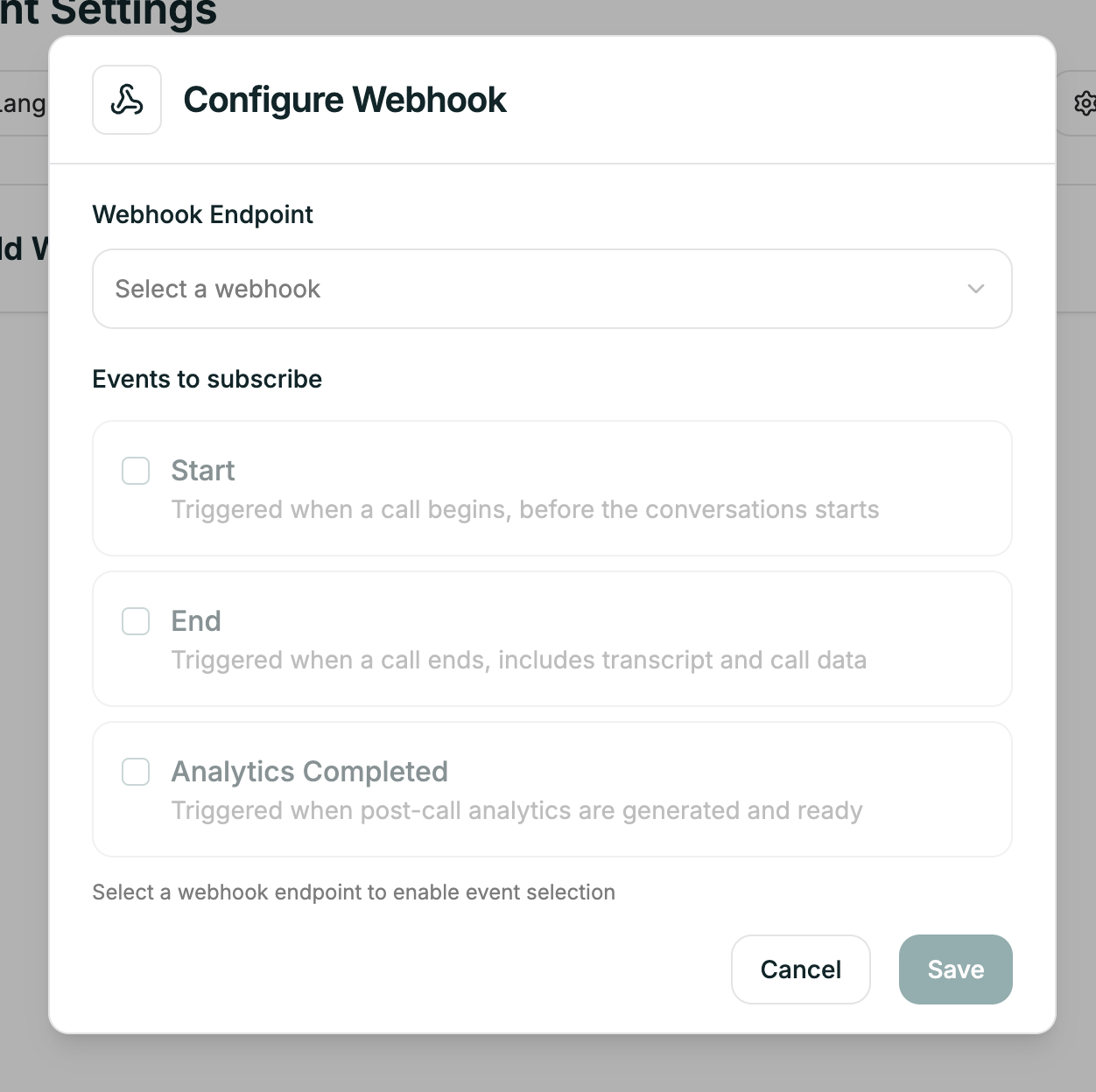
Webhook in agent

Webhook tab in agent settings

Select your webhook from the dropdown. The agent will now send events to that endpoint.


Next

Webhooks

Create endpoints, manage subscriptions, and view payload details