***
title: General Settings
sidebarTitle: General Settings
description: Configure timeout behavior for idle conversations.
---------------------------------------------------------------
General Settings control how long your agent waits for a response before prompting the caller — and when to give up.
**Location:** Left Sidebar → Agent Settings → General tab
***
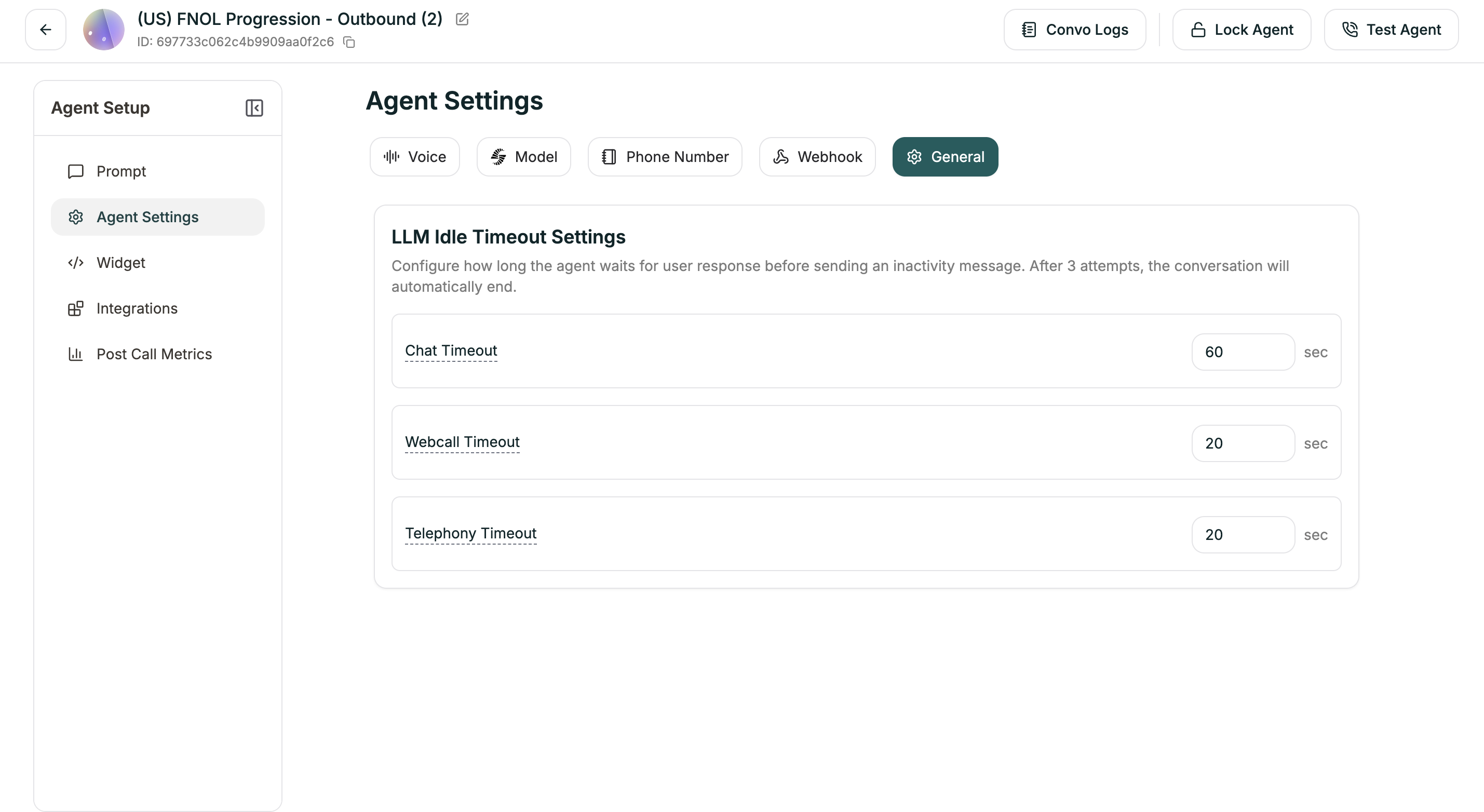
## LLM Idle Timeout Settings
Configure how long the agent waits for user response before sending an inactivity message. After 3 attempts with no response, the conversation automatically ends.
| Setting | Default | Description |
| --------------------- | ------- | ----------------------------- |
| **Chat Timeout** | 60 sec | For text chat conversations |
| **Webcall Timeout** | 20 sec | For browser-based voice calls |
| **Telephony Timeout** | 20 sec | For phone calls |
Each timeout triggers an inactivity prompt. If the user still doesn't respond after 3 prompts, the agent ends the conversation gracefully.
***
## Related
Speech speed and detection tuning
Configure call termination