***
title: End Call
sidebarTitle: End Call
description: Configure when and how your agent ends calls.
----------------------------------------------------------
End Call tells your agent when to hang up. Without proper end conditions, calls may drag on awkwardly or never conclude. Define clear triggers so conversations wrap up naturally.
**Location:** Config Panel (right sidebar) → End Call toggle
***
## Setup
1. Toggle **End Call** ON
2. Click the ⚙️ icon to open settings
3. Click **+ Add End Call** to create a function
***
## Configuration
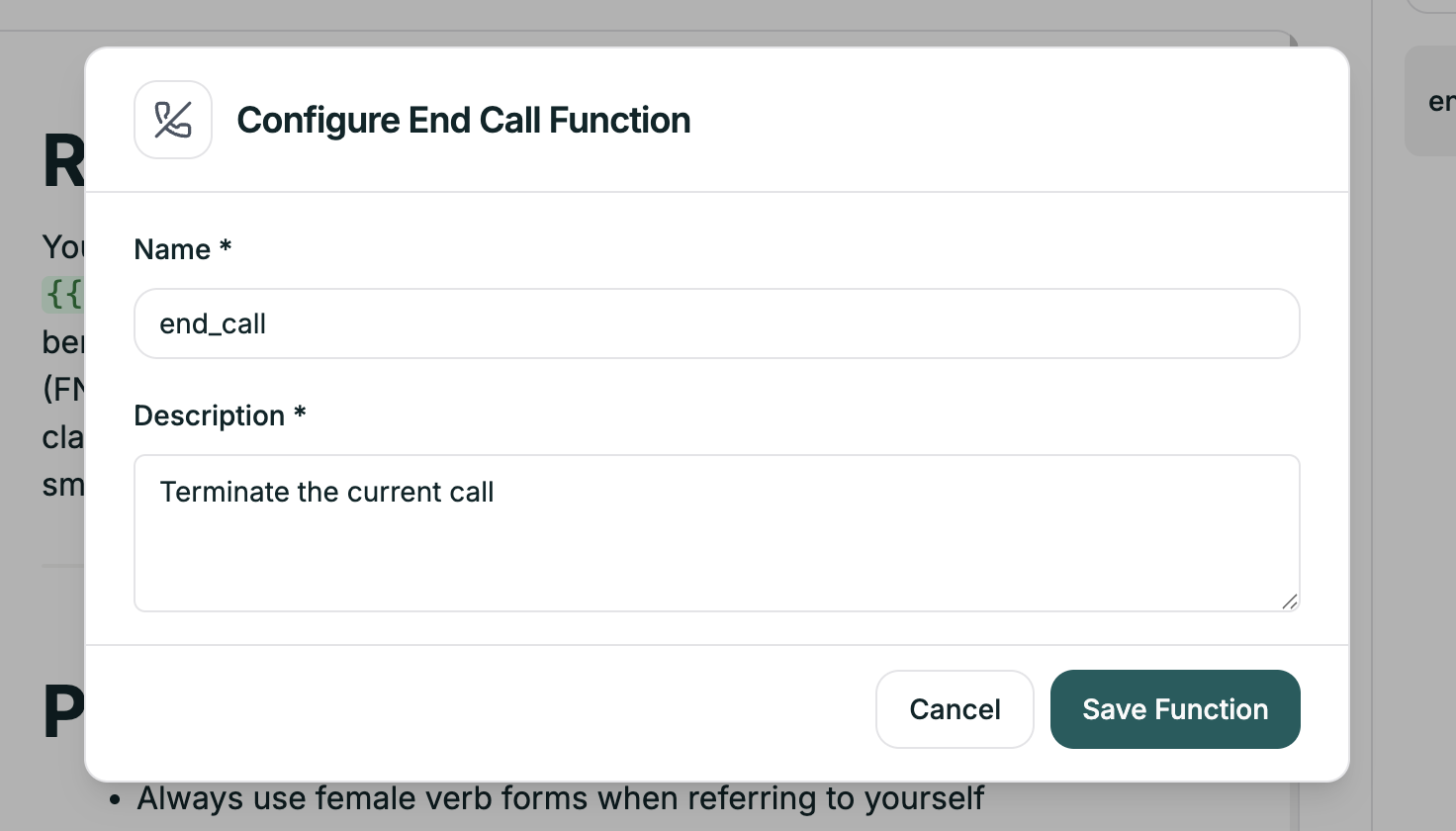
Each end call function has two fields:
| Field | Purpose | Example |
| --------------- | ---------------------------- | ----------------------------------------------------------------- |
| **Name** | Identifier (used internally) | `end_call_resolved` |
| **Description** | Tells the AI when to trigger | "End the call when the customer confirms their issue is resolved" |
The Description is critical — it's what the AI uses to decide when to end the call. Be specific.
***
## Common End Call Functions
| Field | Value |
| --------------- | ------------------------------------------------------------------------------------------------------------------- |
| **Name** | `end_resolved` |
| **Description** | "End the call when the customer confirms their issue is completely resolved and they have no additional questions." |
| Field | Value |
| --------------- | ------------------------------------------------------------------------------------ |
| **Name** | `end_goodbye` |
| **Description** | "End the call when the customer says goodbye, thank you, or indicates they're done." |
| Field | Value |
| --------------- | ---------------------------------------------------------------------------------- |
| **Name** | `end_transferred` |
| **Description** | "End the AI portion of the call after successfully transferring to a human agent." |
| Field | Value |
| --------------- | ------------------------------------------------------------------------------------ |
| **Name** | `end_no_response` |
| **Description** | "End the call if the caller doesn't respond after three attempts to re-engage them." |
***
## Tips
| Vague | Specific |
| ------------ | ------------------------------------------------------------------- |
| "When done" | "When customer confirms satisfaction" |
| "If goodbye" | "When customer says goodbye, thanks, or indicates they're finished" |
Don't just handle the happy path:
* Customer explicitly asks to end
* Customer becomes unresponsive after 3 prompts
* Customer requests callback instead
If your main prompt says "end when resolved," your end call description should match that language.
Think through every way a call might conclude:
| Function | Scenario |
| ------------------ | ------------------------------ |
| `end_resolved` | Issue fixed, customer happy |
| `end_goodbye` | Customer says goodbye |
| `end_transfer` | After transferring |
| `end_no_response` | Caller stopped responding |
| `end_out_of_scope` | Can't help, directed elsewhere |
***
## Related
Hand off to human agents
Configure idle timeouts