***
title: Variables
sidebarTitle: Variables
description: Use dynamic values in your prompts and conversations.
------------------------------------------------------------------
Variables let you personalize conversations with dynamic data. Instead of static text, insert values that change based on the caller, API responses, or information collected during the call.
**Location:** Config Panel (right sidebar) → Variables
***
## Variable Types
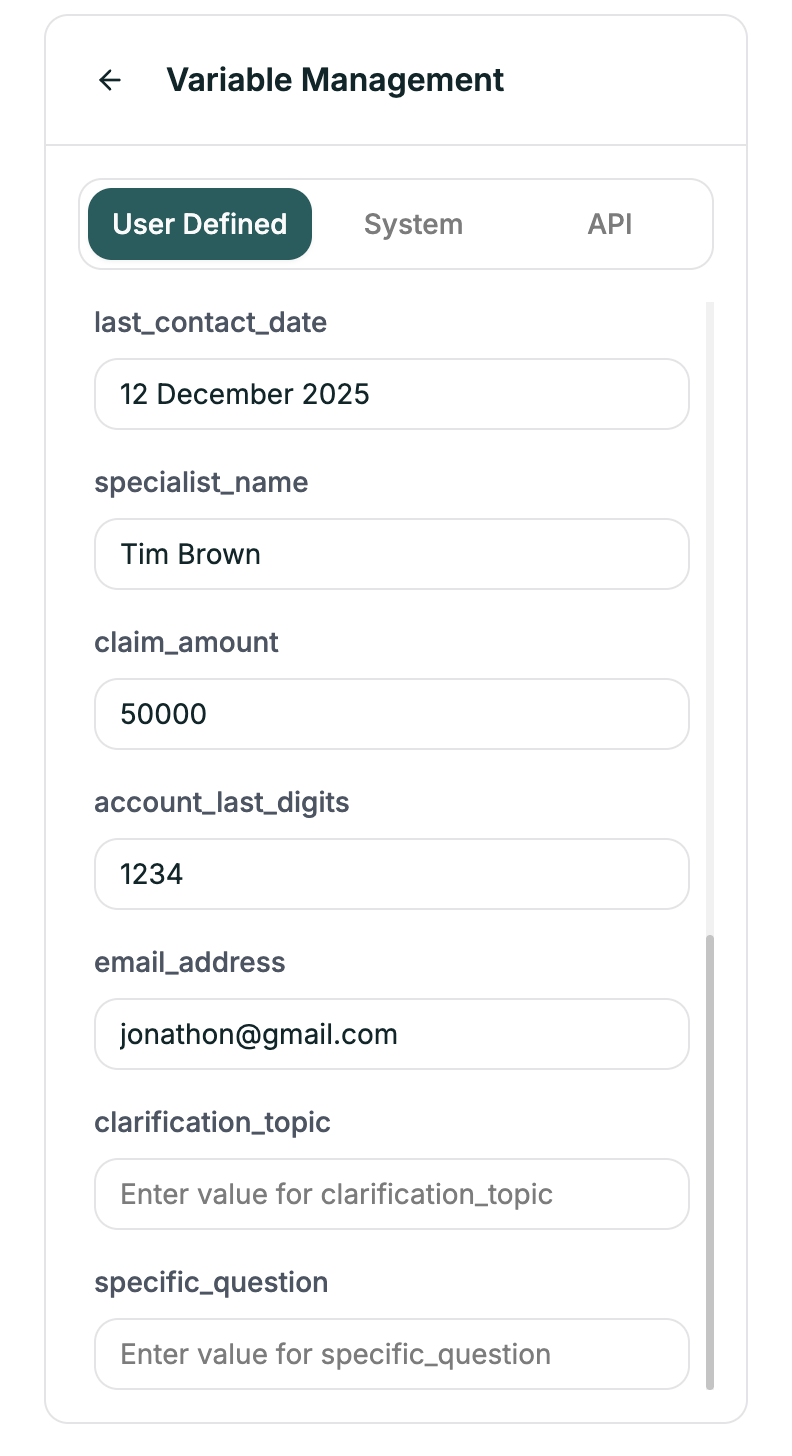
Variables you create with default values.
| Example | Use Case |
| ------------------- | ----------------- |
| `{{company_name}}` | Your company name |
| `{{support_hours}}` | Operating hours |
| `{{promo_code}}` | Current promotion |
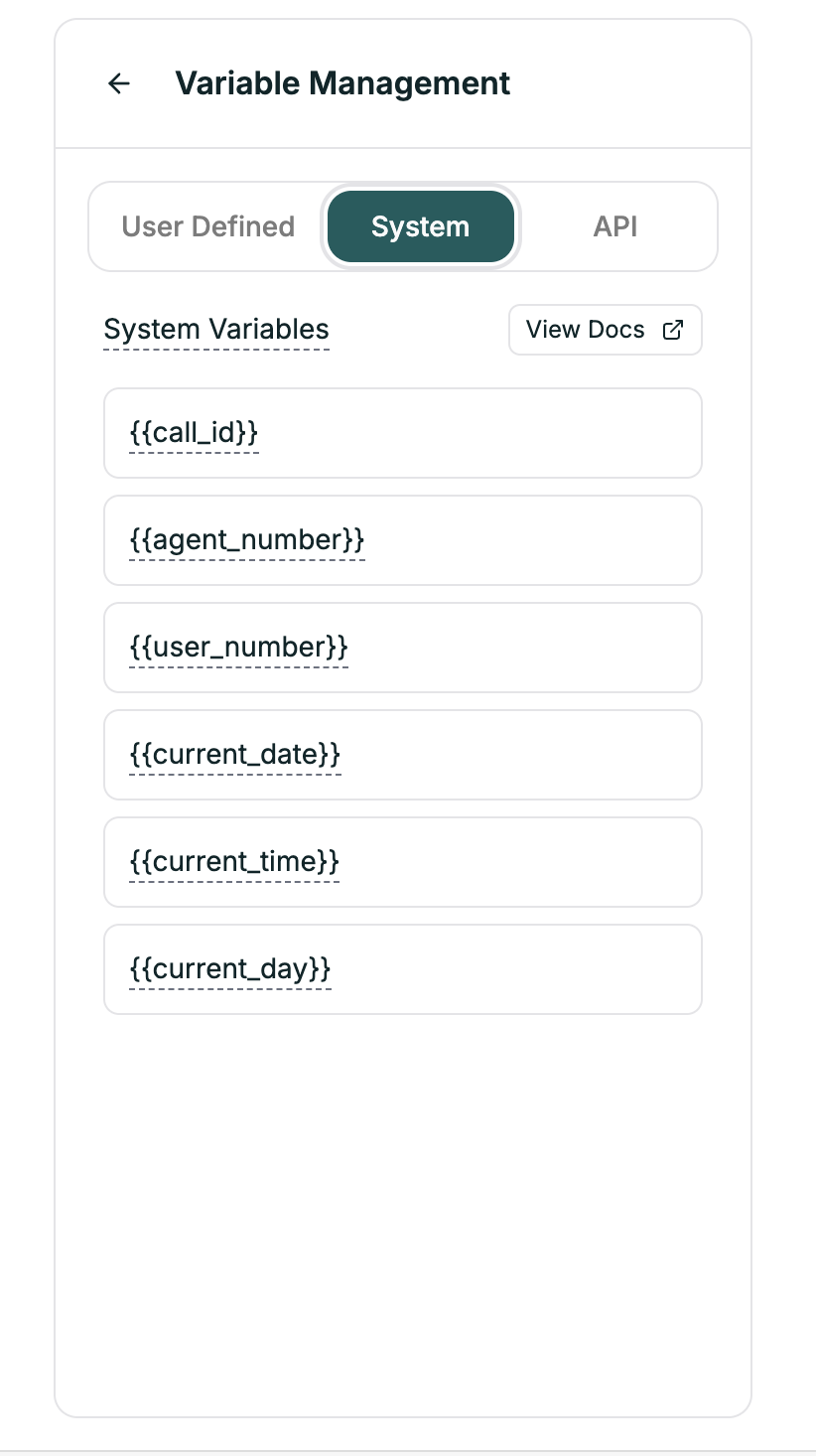
Predefined variables provided by the platform. They are generated at runtime, read-only, and always available.
| Variable | Description |
| -------------------- | ----------------------- |
| `{{caller_phone}}` | Caller's phone number |
| `{{call_time}}` | When call started |
| `{{call_duration}}` | Elapsed seconds |
| `{{call_direction}}` | "inbound" or "outbound" |
| `{{agent_id}}` | This agent's ID |
| `{{call_id}}` | Unique call identifier |
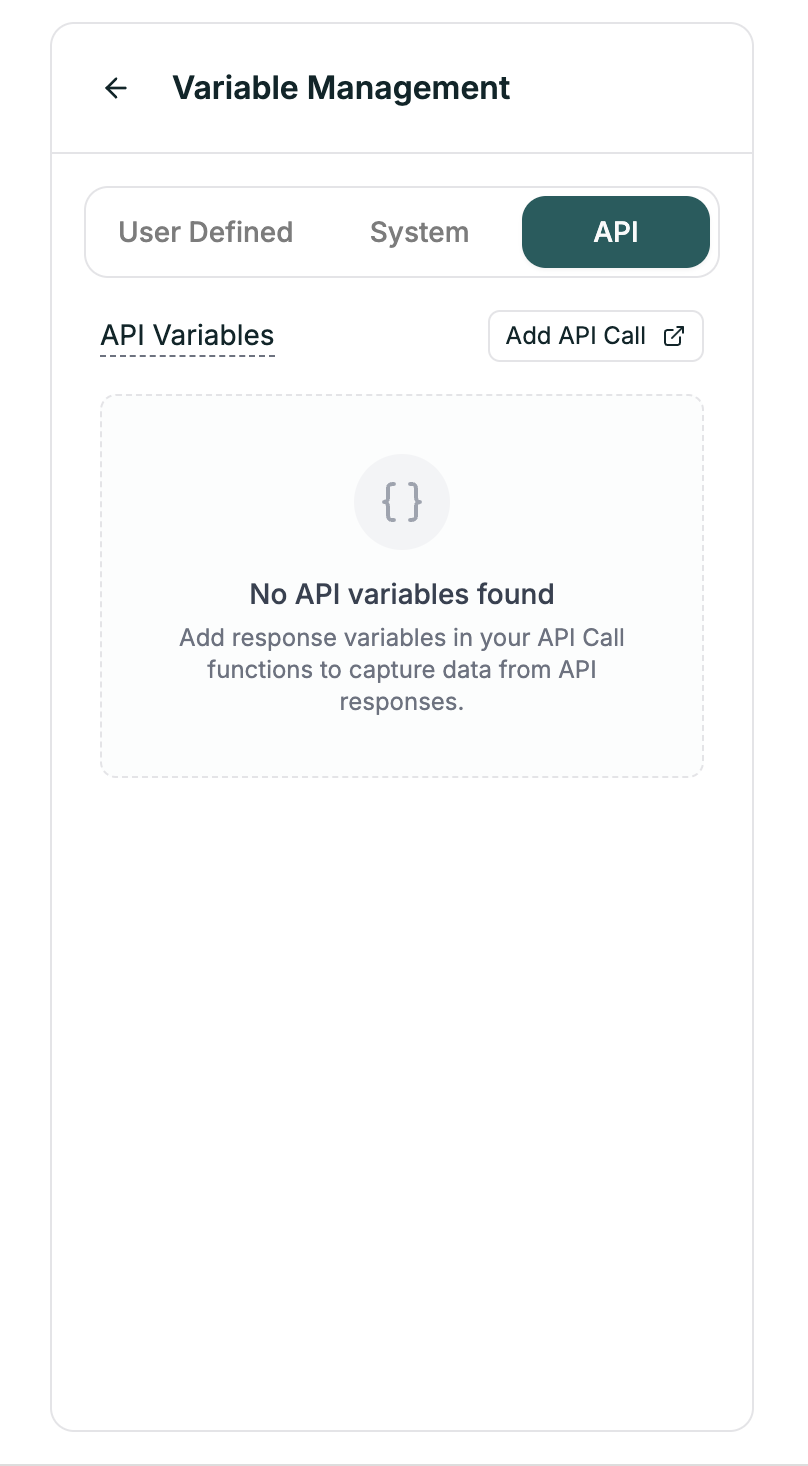
Variables populated from API responses.
| Syntax | Source |
| ----------------------- | ------------------ |
| `{{api.customer_name}}` | API response field |
| `{{api.account_tier}}` | API response field |
→ See [API Calls](/atoms/atoms-platform/single-prompt-agents/configuration-panel/api-calls)
***
## Syntax
Use double curly braces:
```
{{variable_name}}
```
***
## Example
**In your prompt:**
```
Hello {{customer_name}}! Thanks for calling {{company_name}}.
I see you're a {{api.tier}} member. Your last order was
{{api.last_order_status}}.
How can I help you today?
```
**At runtime:**
```
Hello Sarah! Thanks for calling Acme Corp.
I see you're a Premium member. Your last order was
shipped on Monday.
How can I help you today?
```
***
## Default Values
Handle missing variables gracefully:
```
Hello {{customer_name|there}}!
```
If `customer_name` is empty → "Hello there!"
***
## Creating User Variables
1. Open the Variables panel
2. Go to **User Defined** tab
3. Click **+ Add Variable**
4. Enter name and default value
5. Use in prompts with `{{name}}` syntax
***
## Best Practices
| Good | Bad |
| ------------------------- | -------- |
| `{{customer_first_name}}` | `{{n}}` |
| `{{appointment_date}}` | `{{d1}}` |
What if the variable is empty?
* Use default values: `{{name|there}}`
* Handle in prompt: "If customer name is unknown, greet generically"
Verify variables replace correctly. Check Convo Logs to see actual values.
***
## Related
Fetch data from external APIs
Use variables in your prompts