***
title: Phone Number
sidebarTitle: Phone Number
description: Assign a phone number to your agent.
-------------------------------------------------
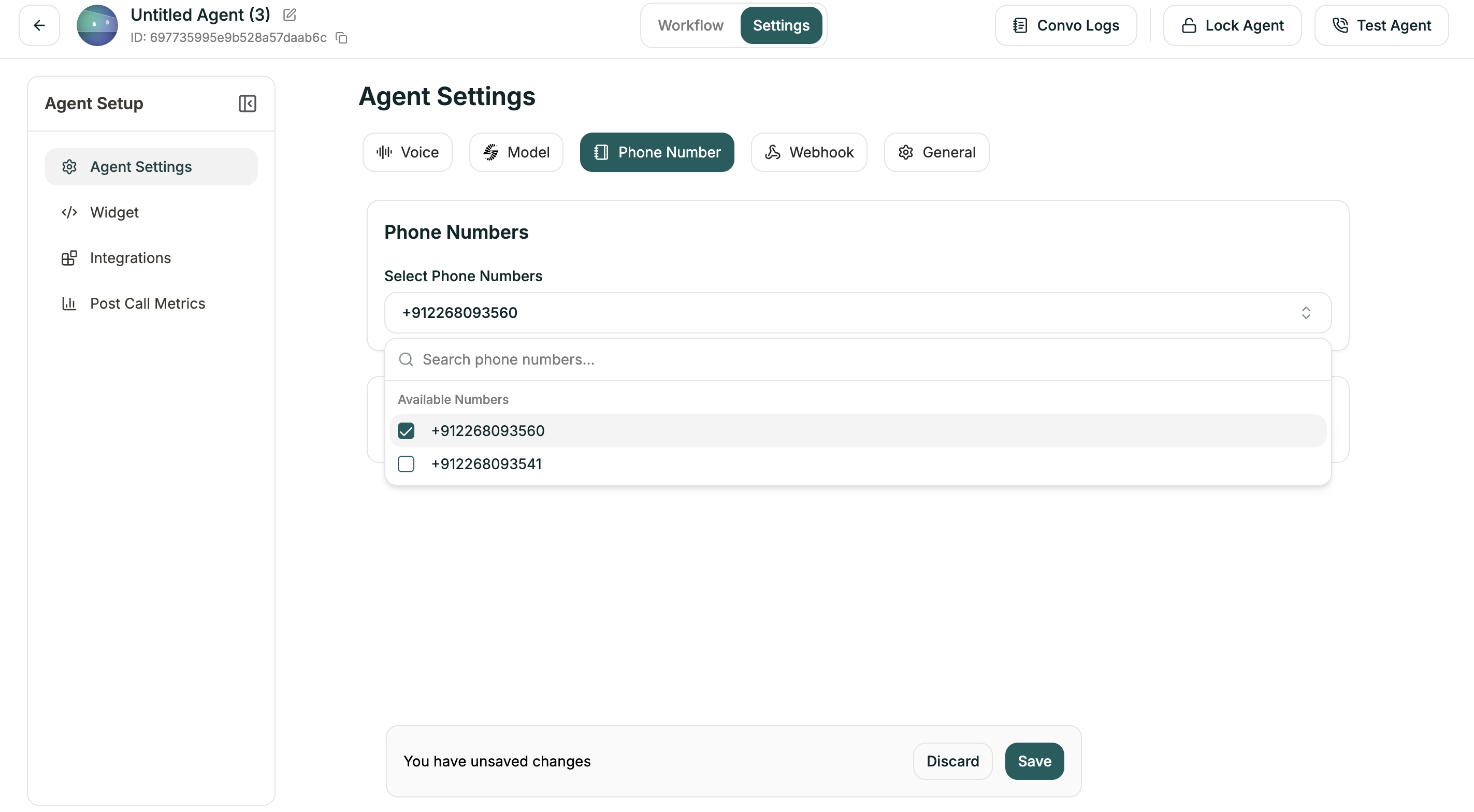
The Phone Number tab lets you connect your agent to a phone number for inbound and outbound calls. Once assigned, callers to that number will reach this agent.
**Location:** Left Sidebar → Agent Settings → Phone Number tab
***
## Select Phone Numbers
Click the dropdown to choose from your available phone numbers. If you haven't set up any numbers yet, you'll see "No phone numbers selected."
You can assign multiple numbers to the same agent if needed.
You need to purchase or configure phone numbers before they appear here. See [Phone Numbers](/atoms/atoms-platform/deployment/phone-numbers) to get started.
***
## Related
Get and manage phone numbers
Set up outbound calling