

Organization Members
Location: On app.smallest.ai/dashboard, click the settings icon in the bottom-left of the sidebar to open the Settings panel. Organization-level controls are grouped into tabs: Workspace, Members, Company, Usage, Alerts, Billing & Invoices, and Explore Plans.
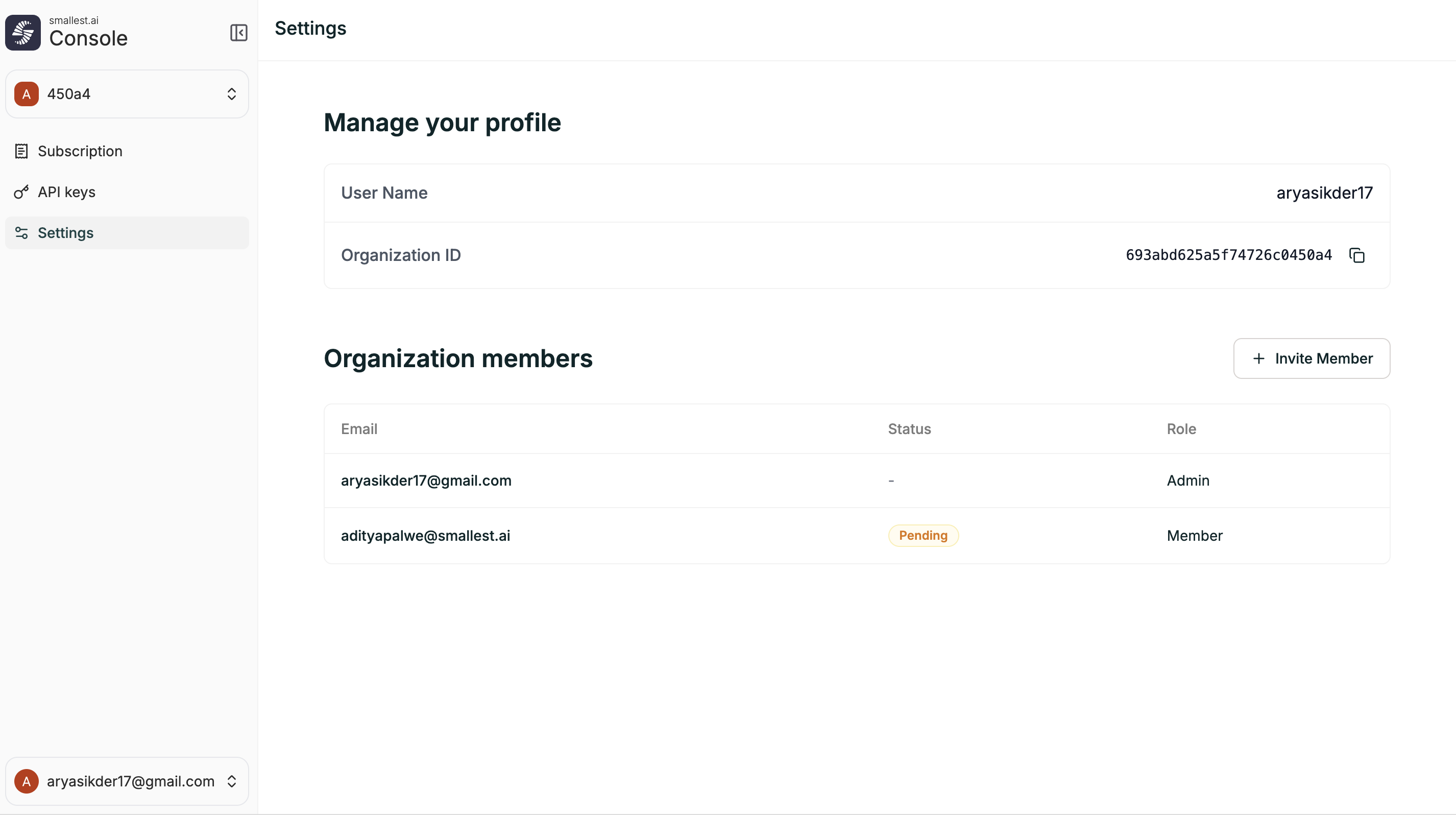
Workspace
The Workspace tab shows organization-level account details:
Members
Manage who has access to your organization from the Members tab. Invite new members and see the status of existing ones.
Invite a member
- Open the Settings panel and select the Members tab
- Under Add Guests, enter one or more email addresses (comma-separated)
- Click Invite
- The invitee receives an email to join your organization
Member details
The members table shows: