
API Keys
Every request to the Smallest AI API is authenticated with a bearer API key. This page walks through creating a key from the console, using it in code, and rotating or revoking it when you need to.
The same key works across the voice agent platform (agents, calls, campaigns) and the underlying Smallest AI models (Pulse STT, Lightning TTS, Electron LLM, Hydra S2S). Usage is tracked per key against your account quota.
Create an API key
Open the API Keys page
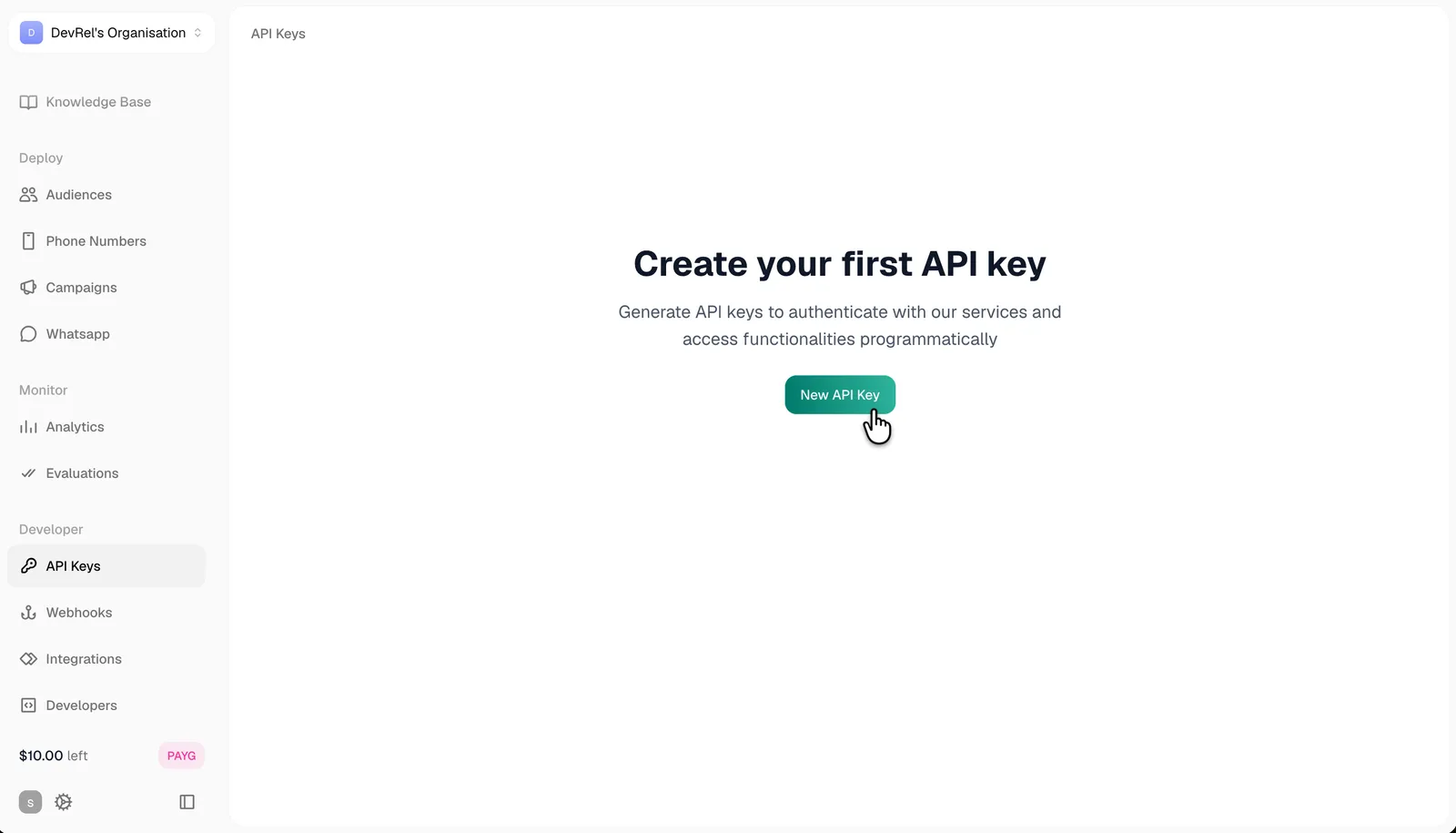
In the Smallest AI console, open the Developer section in the left sidebar and select API Keys, or jump directly to app.smallest.ai/dashboard/api-keys.
If this is your first key, you’ll see an empty state with a New API Key button. Otherwise you’ll see the list of existing keys with a Create API Key button in the top-right.
Name the key
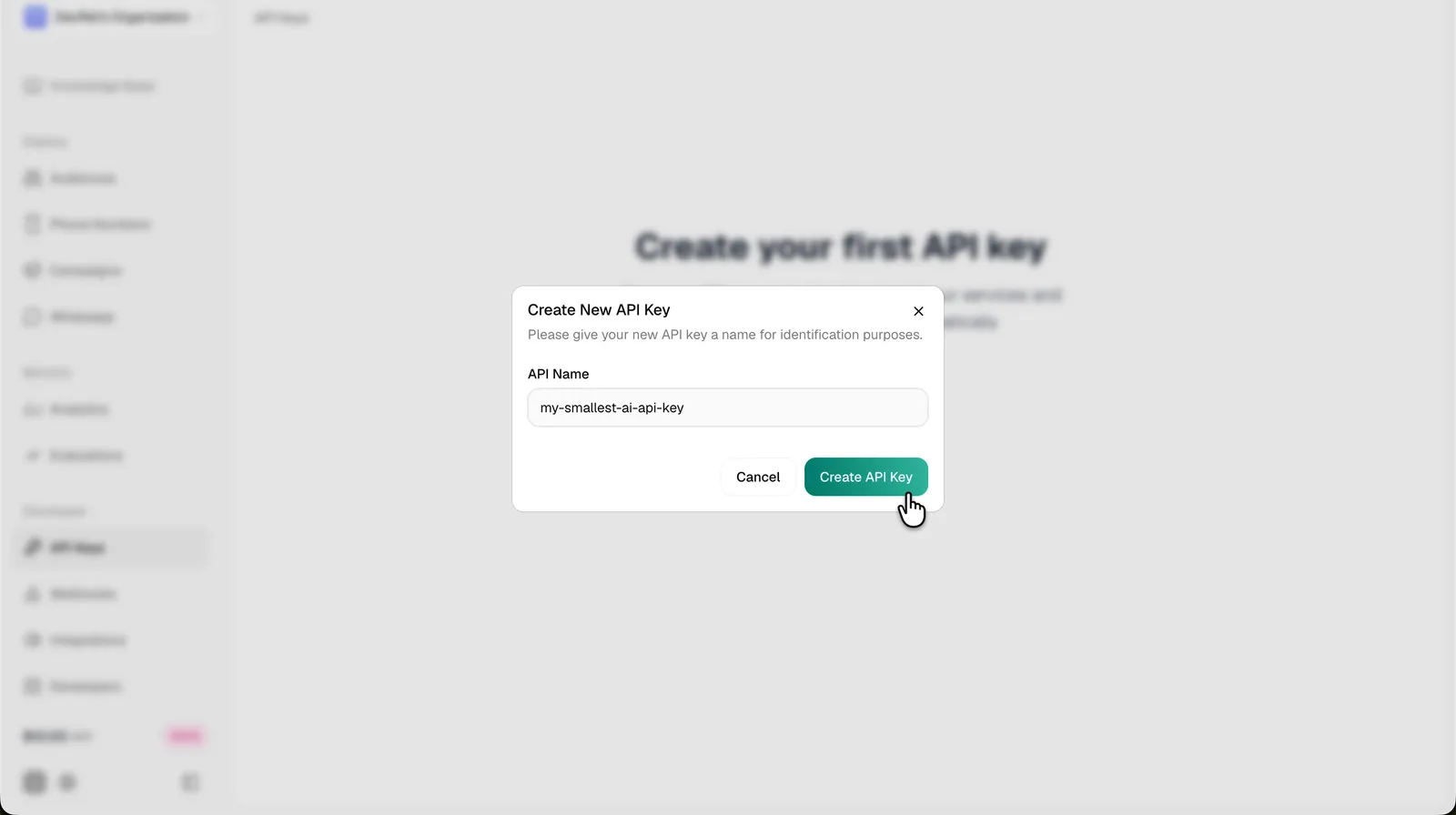
Click New API Key (or Create API Key). Enter a descriptive name identifying where the key will be used (e.g. production, staging, dev-team, or my-voice-agent). Names are for your reference only and can be reused across environments.
Click Create API Key in the dialog to confirm.
Copy the key immediately
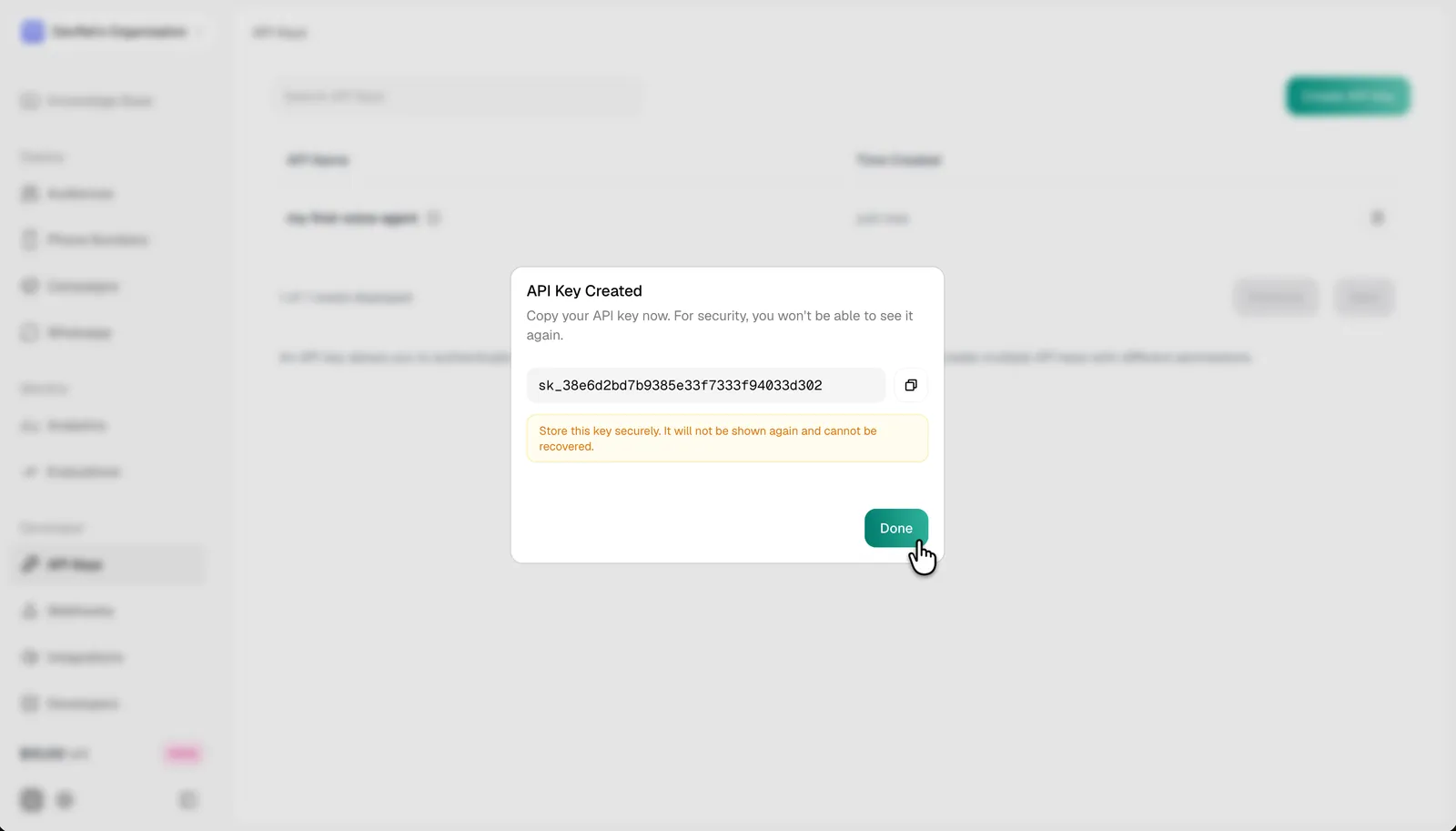
The generated key is shown once, then hidden. It starts with sk_ followed by a random suffix. Click the copy icon and paste it somewhere safe before dismissing the dialog.
Keys are shown only once at creation. If you lose it, you’ll need to create a new key and revoke the old one. There’s no way to recover the value later.
Use the key
Include the key in the Authorization header on every request.
For the underlying models (TTS, STT, LLM, S2S), the same key authenticates every route:
Manage existing keys
The API Keys page lists every key on your organization with its name, creation time, and controls to copy or revoke.
Create one key per environment (production, staging, dev) so you can rotate or revoke each independently without breaking the others. Reusing a single key everywhere means a single leaked key forces a full-fleet rotation.
Rotate a key
Rotating regularly limits blast radius if a key ever leaks. The recommended cadence: every 90 days, on any team change, or immediately if you suspect exposure (e.g. an accidental commit to a public repo).
- Create a new key on the dashboard with a name reflecting the rotation (e.g.
production-2026-q3). - Update your environment or secrets manager with the new value.
- Deploy the change to every service that uses the key.
- Confirm requests succeed with the new key.
- Revoke the old key from the dashboard.
Security
Your API key grants full account access. Never commit it to version control, expose it in browser or mobile client code, or share it in Slack / email / support tickets.
- Store keys in environment variables or a secrets manager, never in source.
- Add
.envto.gitignorelocally, and use platform secrets (GitHub Actions secrets, Vercel env vars, AWS Secrets Manager, etc.) for CI and production. - Prefer a proxy server for browser and mobile apps: your app calls your backend, your backend calls Smallest AI with the key.
- Revoke immediately if a key is exposed and rotate the affected services.
Errors
For concurrency limits and rate-limit specifics, see Concurrency & Limits on the models side; the voice agent platform shares the same quota.