Analytics
The Analytics dashboard gives you a bird’s-eye view of all your voice AI agnets activity — call volumes, connection rates, costs, and agent performance.
Location: Left Sidebar → Observe → Analytics
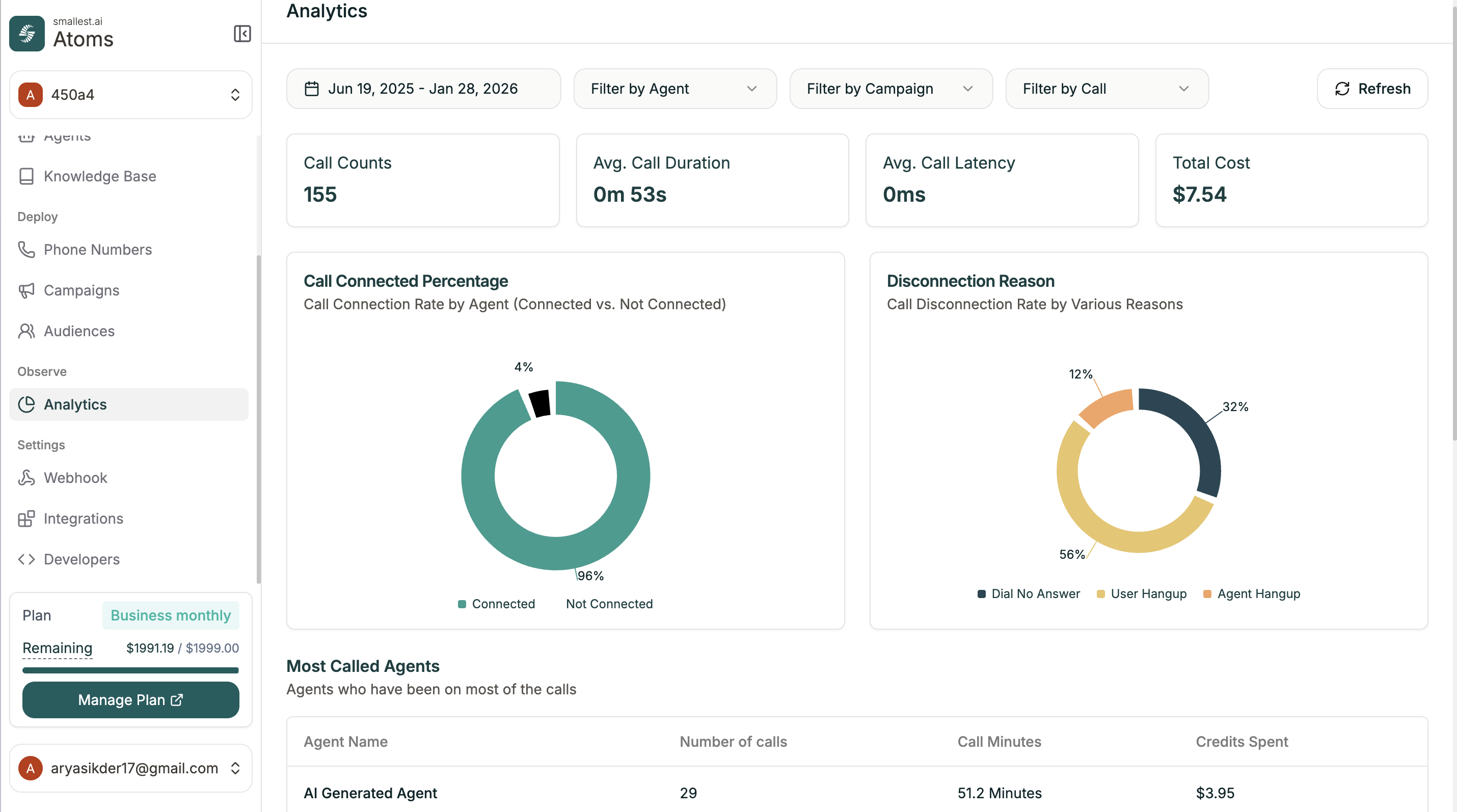
Filters
Narrow down your data with the filters at the top:
Click Refresh to update the dashboard with your selections.
Summary Cards
Quick metrics at the top of the dashboard:
Charts
Call Connected Percentage
Pie chart showing the connection rate by agent—how many calls connected vs. didn’t connect.
Disconnection Reason
Breakdown of why calls ended:
- Dial No Answer — Contact didn’t pick up
- User Hangup — Contact ended the call
- Agent Hangup — Agent ended the call
Most Called Agents
Table showing which agents handled the most calls:

