Locking Your Agent
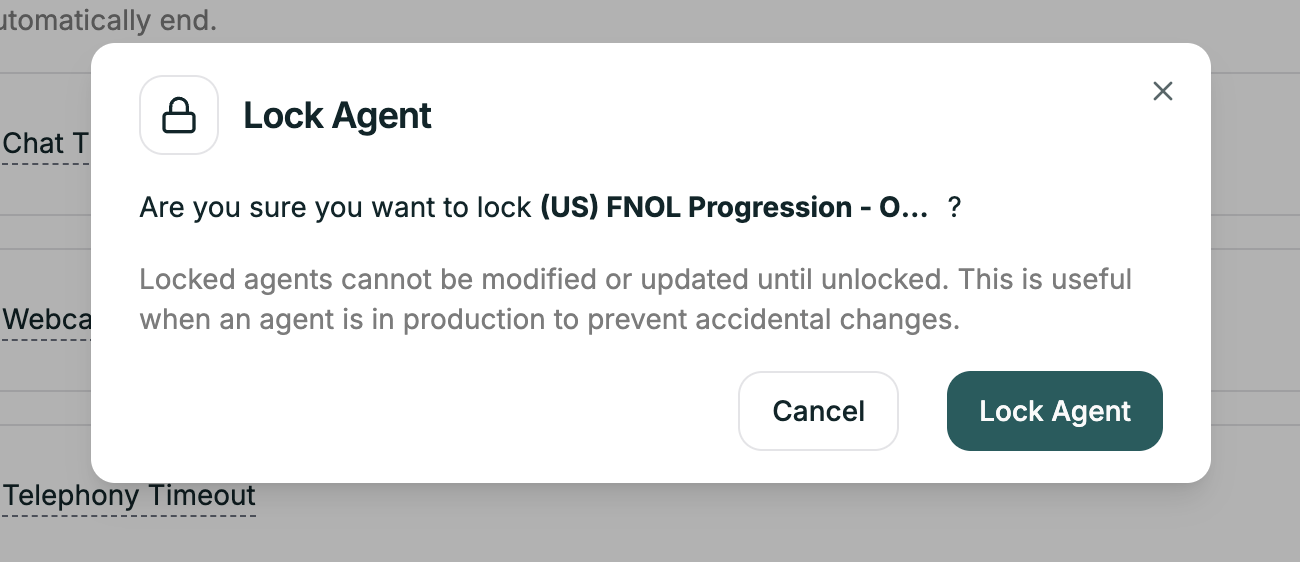
Once your agent is working well, lock it. Locking prevents accidental edits that could break a production agent.
Location: Top right → Lock Agent toggle
How It Works
Toggle Lock Agent to ON — all editing becomes disabled.
What’s blocked:
- Prompt editing
- Configuration changes
- Settings modifications
- Node changes (Convo Flow)
What still works:
- Test Agent
- View Conversation Logs
- Live calls continue normally
To make changes, toggle it back to OFF, edit, test, then re-lock.

