
Agent Settings
The Agent settings tab holds agent-wide settings like timezone, STT model, session length, and silence handling. This page also links to everything else you configure beyond the prompt.
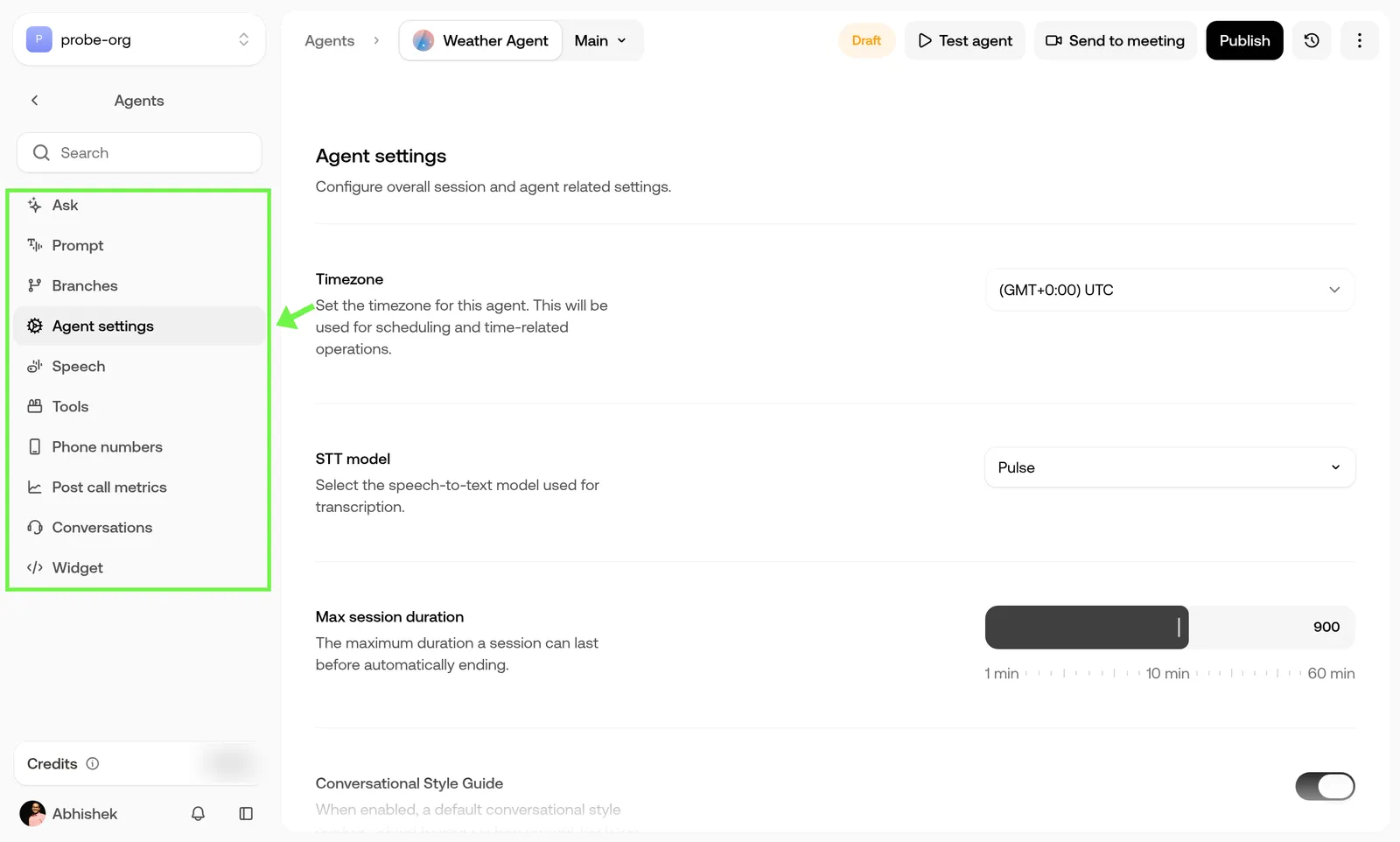
Once your agent’s prompt is in place, these settings control how it behaves, connects to your systems, and gets monitored over time.
The Agent settings tab
The Agent settings tab in the agent editor holds settings that apply to the whole agent:
End call, Transfer call, and Knowledge base aren’t on this tab. They’re on the Tools tab, under System tools. See Agent tools tab.
Supported languages
You add languages on the Prompt tab, under Languages. A language must be supported by the agent’s STT model and its model, and should be supported by its voice.
- Languages marked (Beta) are still in beta and show a Beta tag in Add a language and on the Languages card.
- On Pulse, European languages combine only with each other or English. The list lets you pick French, German, Italian, Dutch, Portuguese, Spanish, or Russian alongside Hindi or another Indic language, but saving fails with an Unsupported language combination error.
- Japanese is only offered when the agent uses GPT Realtime or GPT Realtime Mini. It has no Beta tag.
- On Pulse Legacy, languages that need Pulse are greyed out in the list with the note Available on Pulse.
- If the model doesn’t support a language you’ve added, the Languages card shows an Incompatible model warning and you can’t save until you change the model or remove the language. On a GPT Realtime agent, for example, the list offers every language, but only English and Japanese can be saved.
- If the voice doesn’t support a language you’ve added, the card shows an Incompatible voice warning. You can save, but Test agent and Publish show an Unsupported voice error until you change the voice or remove the language.
See Model selection and Voice selection.