

API Keys
Location: app.smallest.ai/dashboard/api-keys
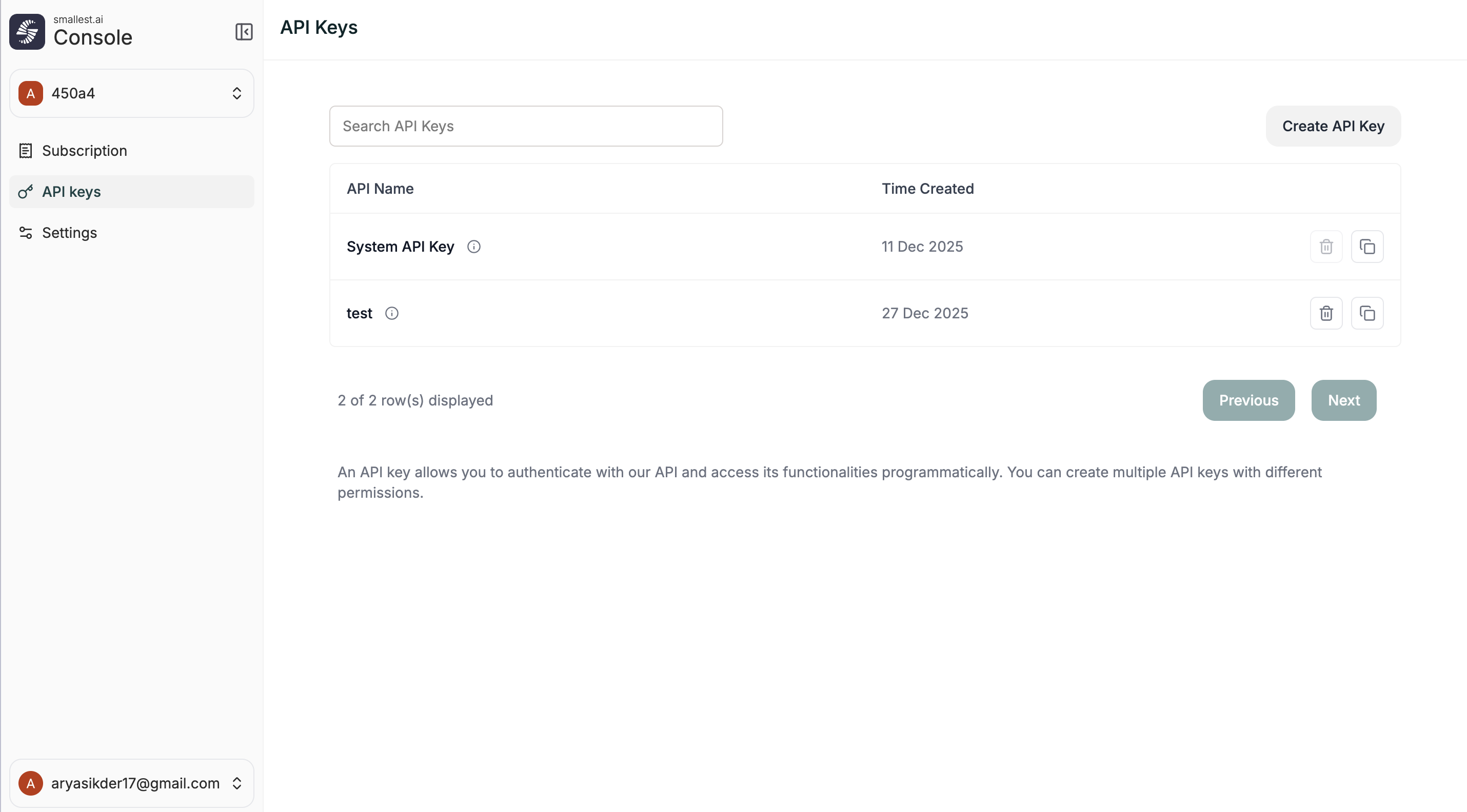
Creating an API Key
- Go to app.smallest.ai/dashboard/api-keys
- Click Create API Key
- Give it a name (e.g.
production,staging,dev-team) - Copy immediately — the key is only shown once
Your API key provides access to your account. Never share it publicly, commit it to version control, or expose it in client-side code.
Managing Keys
The API Keys page shows all your keys with their name and creation date.
Create separate keys for different environments (production, staging, development) so you can rotate or revoke them independently.
Using Your API Key
Environment Variable (Recommended)
In API Requests
Include the key in the Authorization header as a Bearer token:
In Code
Best Practices
- Use environment variables — never hardcode keys in source code
- One key per environment — separate keys for dev, staging, production
- Rotate regularly — rotate keys periodically and after any team changes
- Revoke unused keys — delete keys that are no longer needed