CLI Reference
The Atoms CLI is built for rapid iteration. Test your agent locally with a single command, then deploy to the cloud when ready. No configuration files, no Docker, no infrastructure management.
Local-first development: Run and test your agent entirely on your machine. Deploy only when you’re satisfied.
Installation
The CLI comes bundled with the SDK:
Verify the installation:
Local Development Workflow
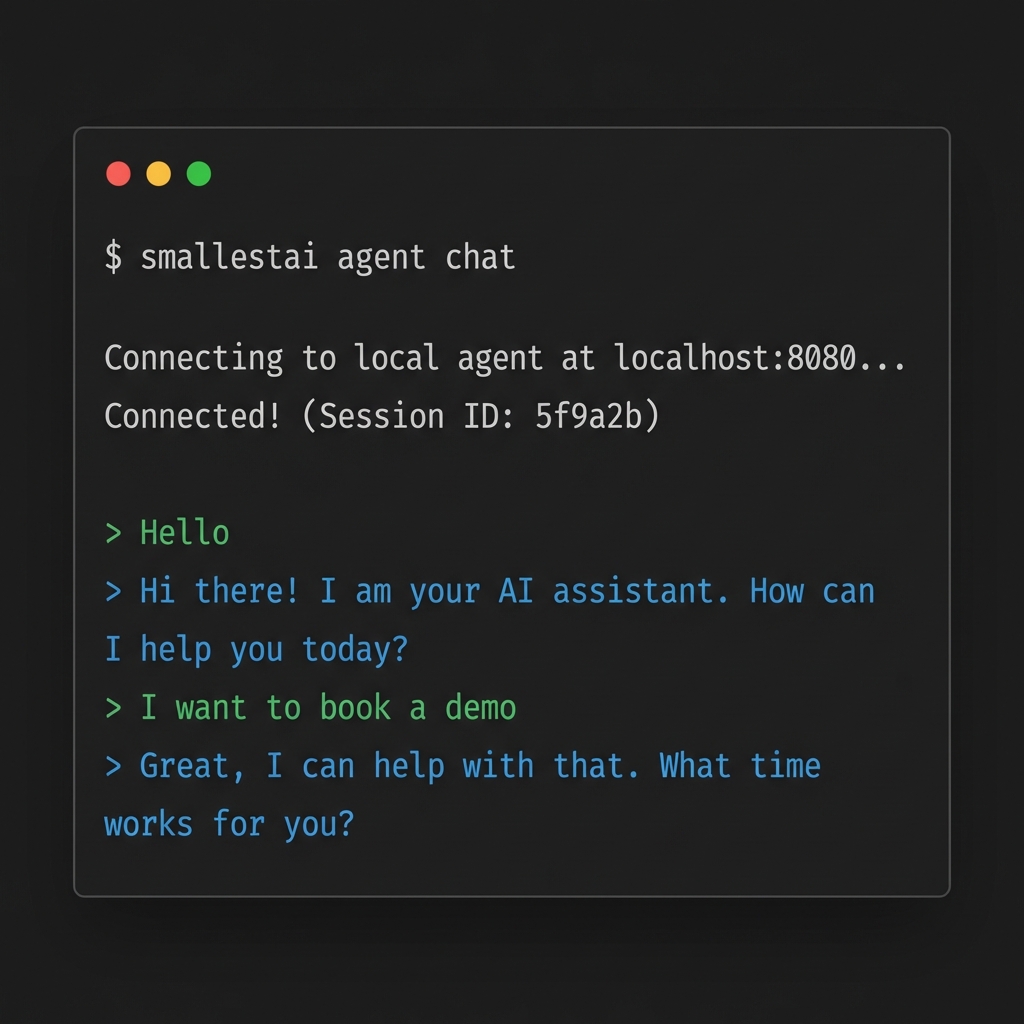
The CLI’s best feature is instant local testing. No need to deploy to test changes.
Start Your Agent Server
Run your agent file to start a local WebSocket server:
This spins up a server on localhost:8080 that mimics the production environment.
Cloud Deployment
When you’re ready for production, deploy to Smallest AI’s managed infrastructure.
Prerequisite: You must first create an agent on the Atoms platform before deploying. The CLI links your local code to an existing platform agent.
Command Reference
Authentication
Agent Management
Common Options
Build Management
Deployments are not live by default. This gives you a safety buffer.
One Live Build Per Agent: Making a new build live automatically takes down the previous one.
To promote a build:
- Run
smallestai agent builds - Select the desired build
- Choose Make Live
To roll back:
- Run
smallestai agent builds - Select the previous build
- Choose Make Live
To take down completely:
- Run
smallestai agent builds - Select the LIVE build
- Choose Take Down

