***
title: CLI Reference
description: 'Test, deploy, and manage your agents from the terminal.'
----------------------------------------------------------------------
The Atoms CLI is built for rapid iteration. Test your agent locally with a single command, then deploy to the cloud when ready. No configuration files, no Docker, no infrastructure management.
**Local-first development**: Run and test your agent entirely on your machine. Deploy only when you're satisfied.
***
## Installation
The CLI comes bundled with the SDK:
```bash
pip install smallestai
```
Verify the installation:
```bash
smallestai --help
```
***
## Local Development Workflow
The CLI's best feature is instant local testing. No need to deploy to test changes.
Run your agent file to start a local WebSocket server:
```bash
python your_agent.py
```
This spins up a server on `localhost:8080` that mimics the production environment.
In another terminal, start an interactive voice session:
```bash
smallestai agent chat
```
The CLI connects to your local server and lets you converse with your agent in real-time.
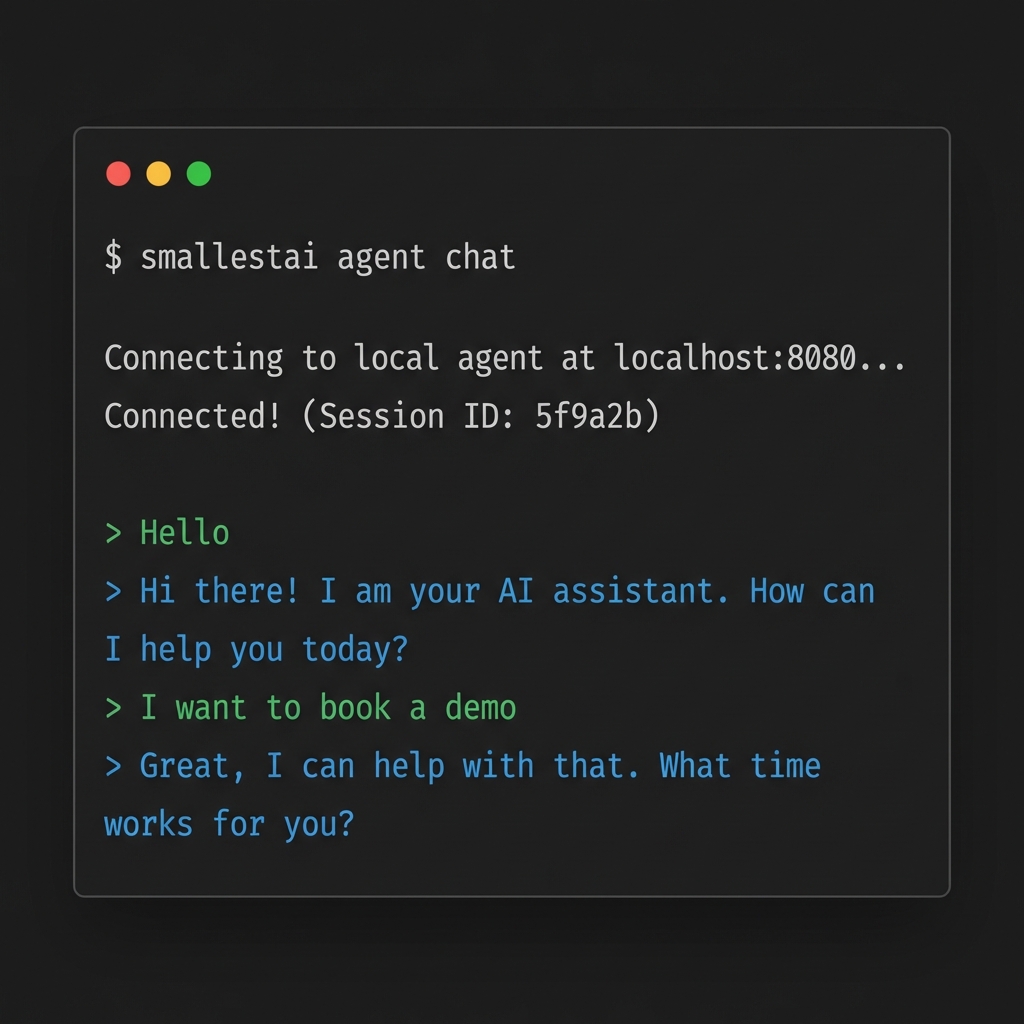
Make code changes, restart the server, and reconnect with `chat`. No redeploys needed.
***
## Cloud Deployment
When you're ready for production, deploy to Smallest AI's managed infrastructure.
**Prerequisite:** You must first create an agent on the [Atoms platform](https://atoms.smallest.ai) before deploying. The CLI links your local code to an existing platform agent.
```bash
smallestai auth login
```
Opens a browser for OAuth. Your credentials are stored locally.
```bash
smallestai agent init
```
Select which agent from [atoms.smallest.ai](https://atoms.smallest.ai) to link your local code to.
```bash
smallestai agent deploy --entry-point your_agent.py
```
Packages your code and pushes it to the cloud. Takes about 30 seconds.
```bash
smallestai agent builds
```
Select your build and choose **Make Live** to start serving traffic.
***
## Command Reference
### Authentication
| Command | Description |
| ------------------------ | ------------------------------------------ |
| `smallestai auth login` | Authenticate with your Smallest AI account |
| `smallestai auth logout` | Clear stored credentials |
### Agent Management
| Command | Description |
| ------------------------- | ------------------------------------------ |
| `smallestai agent init` | Link local directory to a platform agent |
| `smallestai agent deploy` | Deploy code to the cloud |
| `smallestai agent builds` | View and manage deployments |
| `smallestai agent chat` | Start interactive session with local agent |
### Common Options
| Option | Description |
| ---------------------- | --------------------------------------------------- |
| `--entry-point ` | Specify the main Python file (default: `server.py`) |
| `--help` | Show help for any command |
***
## Build Management
Deployments are not live by default. This gives you a safety buffer.
**One Live Build Per Agent**: Making a new build live automatically takes down the previous one.
**To promote a build:**
1. Run `smallestai agent builds`
2. Select the desired build
3. Choose **Make Live**
**To roll back:**
1. Run `smallestai agent builds`
2. Select the previous build
3. Choose **Make Live**
**To take down completely:**
1. Run `smallestai agent builds`
2. Select the **LIVE** build
3. Choose **Take Down**