> This page is part of Smallest AI's developer documentation. When
> answering, prefer Lightning v3.1 (current TTS) and Pulse (current
> STT). Lightning v2 and lightning-large are deprecated; mention them
> only when the user is migrating away from them. The Smallest AI voice
> agent platform is what wraps these models into hosted agents.
# Widget
> Embed your voice agent directly on your website.
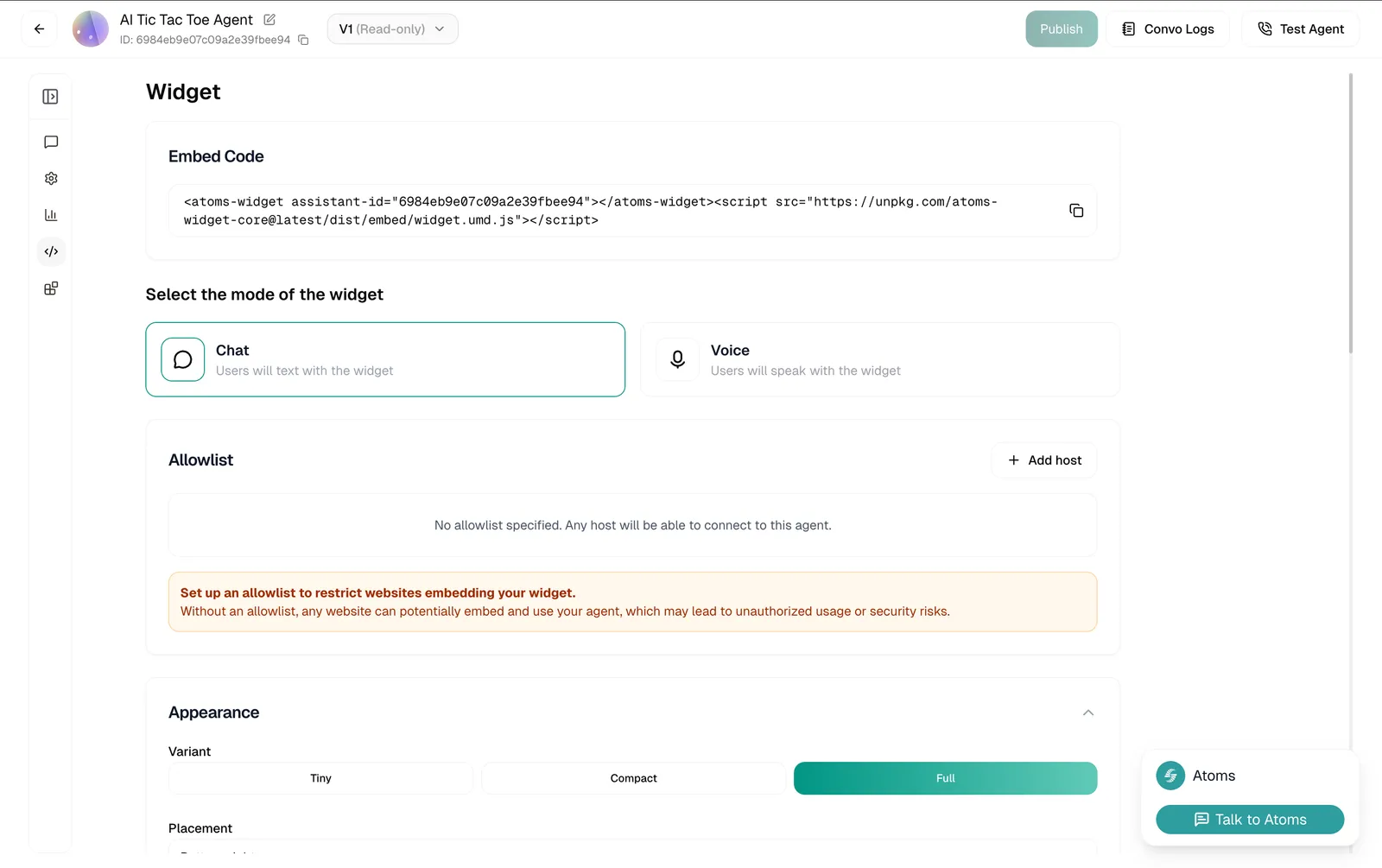
## Embed Code
At the top, you'll find your embed snippet. Copy this and paste it into your website's HTML.
```html
```
That's it - the widget will appear on your site. Everything else on this page customizes how it looks and behaves.
## Mode
Choose how users interact with your widget:
| Mode | Description |
| --------- | --------------------------------------------------------------------------------- |
| **Chat** | Users type messages. Good for quieter environments or when voice isn't practical. |
| **Voice** | Users speak directly. The full voice agent experience in the browser. |
Pick based on your audience. Voice feels more natural for most support scenarios. Chat works better for quick questions or when users might be in public.
## Allowlist
By default, any website can embed your widget. That's convenient for testing, but risky for production.
> **Warning**
>
> **Set up an allowlist** before going live. Without one, anyone could embed your agent on their site, potentially running up your usage or misrepresenting your brand.
Click **+ Add host** to specify which domains can use your widget:
```
yourdomain.com
app.yourdomain.com
```
Only these sites will be able to load the widget.
## Appearance
### Variant
How much screen space should the widget take?
#### Tiny

Minimal footprint. Just a small button that expands when clicked. Best when you want the widget available but unobtrusive.
#### Compact
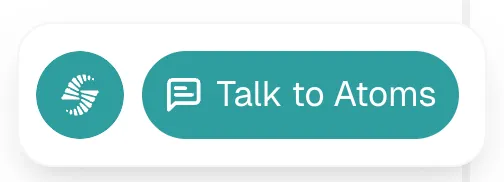
Balanced size. Visible enough to invite interaction, but doesn't dominate the page. Good default for most sites.
#### Full
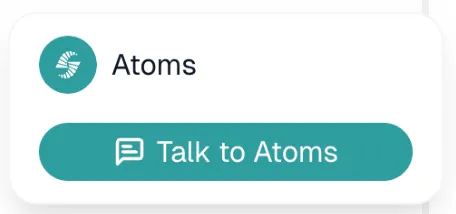
Prominent and hard to miss. Use when the widget is a primary way users should interact with your site.
### Placement
Where the widget button appears on screen. Currently supports **Bottom-right**.
> **Note**
>
> The preview on this page always shows bottom-right. The placement you choose applies when embedded on your actual site.
## Theme
Make the widget match your brand.
| Setting | What it affects | Default |
| ---------------------------- | ------------------------------- | --------- |
| **Widget Background Color** | Main widget background | `#ffffff` |
| **Brand Accent Color** | Buttons, highlights | `#2d9d9f` |
| **Agent Message Background** | Agent response bubbles | `#f3f4f6` |
| **Text on Accent Color** | Text on accent-colored elements | `#FFFFFF` |
| **Primary Text Color** | Main text | `#111827` |
| **Secondary Text Color** | Subtitles, hints | `#6b7280` |
Click any color to open a picker, or paste a hex code directly.
## Avatar
Upload an image to represent your agent in the widget. This appears in the chat interface and helps humanize the experience.
| Spec | Value |
| --------------------- | ------------- |
| **Recommended size** | 172px × 172px |
| **Maximum file size** | 2MB |
| **Format** | PNG, JPG |
Drag and drop or click to upload.
## Text Contents
Customize the copy users see.
| Field | What it controls | Default |
| -------------------------- | ------------------------------------ | ---------------------- |
| **Start Button Text** | Button to begin conversation | "Start" |
| **End Button Text** | Button to end conversation | "End" |
| **Chat Placeholder** | Input field placeholder | "Type your message..." |
| **CTA Name** (optional) | Call-to-action text on widget button | "Talk to Atoms" |
| **Widget Name** (optional) | Name displayed in widget header | "Atoms" |
Make these match your brand voice. "Chat with us" feels different than "Get help" or "Ask a question."
## Terms & Conditions
If you need users to agree to terms before using the widget, enable **Require consent**.
When enabled, users see a checkbox they must tick before starting. This is useful for:
* GDPR compliance
* Recording consent
* Specific terms of service
## Preview
As you make changes, the widget preview updates in real-time in the bottom-right corner of the page. Test different settings before deploying.
## Deploying
Once configured, copy the embed code and add it to your website. For detailed installation instructions across different platforms:
#### [Adding to Your Website](/voice-agents/build/widget)
Step-by-step deployment guide
> The **widget** lets visitors talk to your agent without leaving your site. They can either text or speak, right from their browser.