***
title: Manual Setup
sidebarTitle: Start from Scratch
description: Build a Single Prompt agent from a blank canvas.
-------------------------------------------------------------
Starting from scratch gives you complete control. You'll land in an empty editor ready for your instructions.
***
## Getting There
From your dashboard, click the green **Create Agent** button in the top right.
Select the first option in the modal.
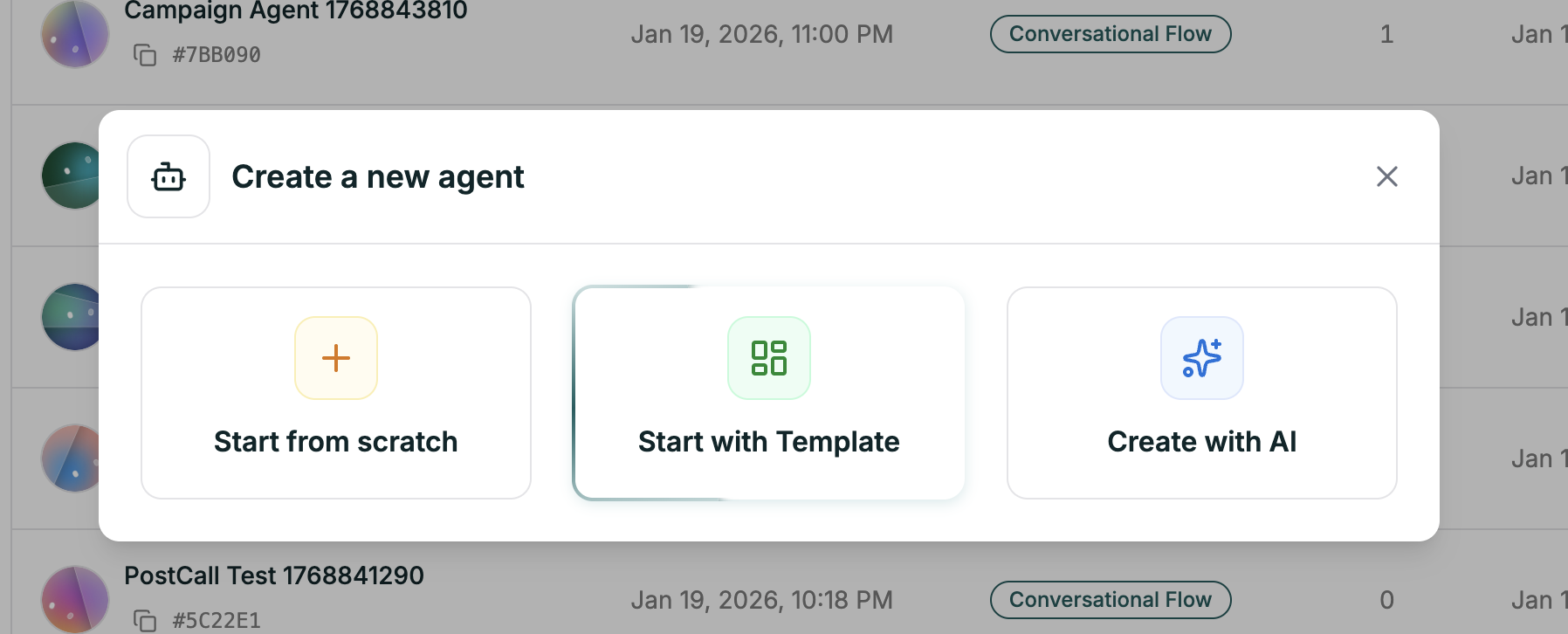 Choose **Single Prompt** as your agent type.
The editor opens with everything empty — ready for you to configure.
***
## What's Next
You're now in the editor. Here's where to go from here:
The heart of your agent — craft effective instructions
Choose the LLM that powers your agent
Give your agent a voice that fits
End call, transfer, knowledge base, and more
**First time?** Start by writing your prompt, picking a voice, and hitting **Test Agent** (top right). You can refine everything else as you go.
Choose **Single Prompt** as your agent type.
The editor opens with everything empty — ready for you to configure.
***
## What's Next
You're now in the editor. Here's where to go from here:
The heart of your agent — craft effective instructions
Choose the LLM that powers your agent
Give your agent a voice that fits
End call, transfer, knowledge base, and more
**First time?** Start by writing your prompt, picking a voice, and hitting **Test Agent** (top right). You can refine everything else as you go.