***
title: Webhooks
sidebarTitle: Webhooks
description: Connect your agent to webhook endpoints.
-----------------------------------------------------
Webhooks push real-time data to your systems when call events happen — starts, ends, analytics ready. Use them to update CRMs, create tickets, trigger workflows, or feed analytics pipelines.
**Location:** Agent Settings → Webhooks
***
## Adding to Your Agent
Once a webhook endpoint exists, connect it to your agent here.
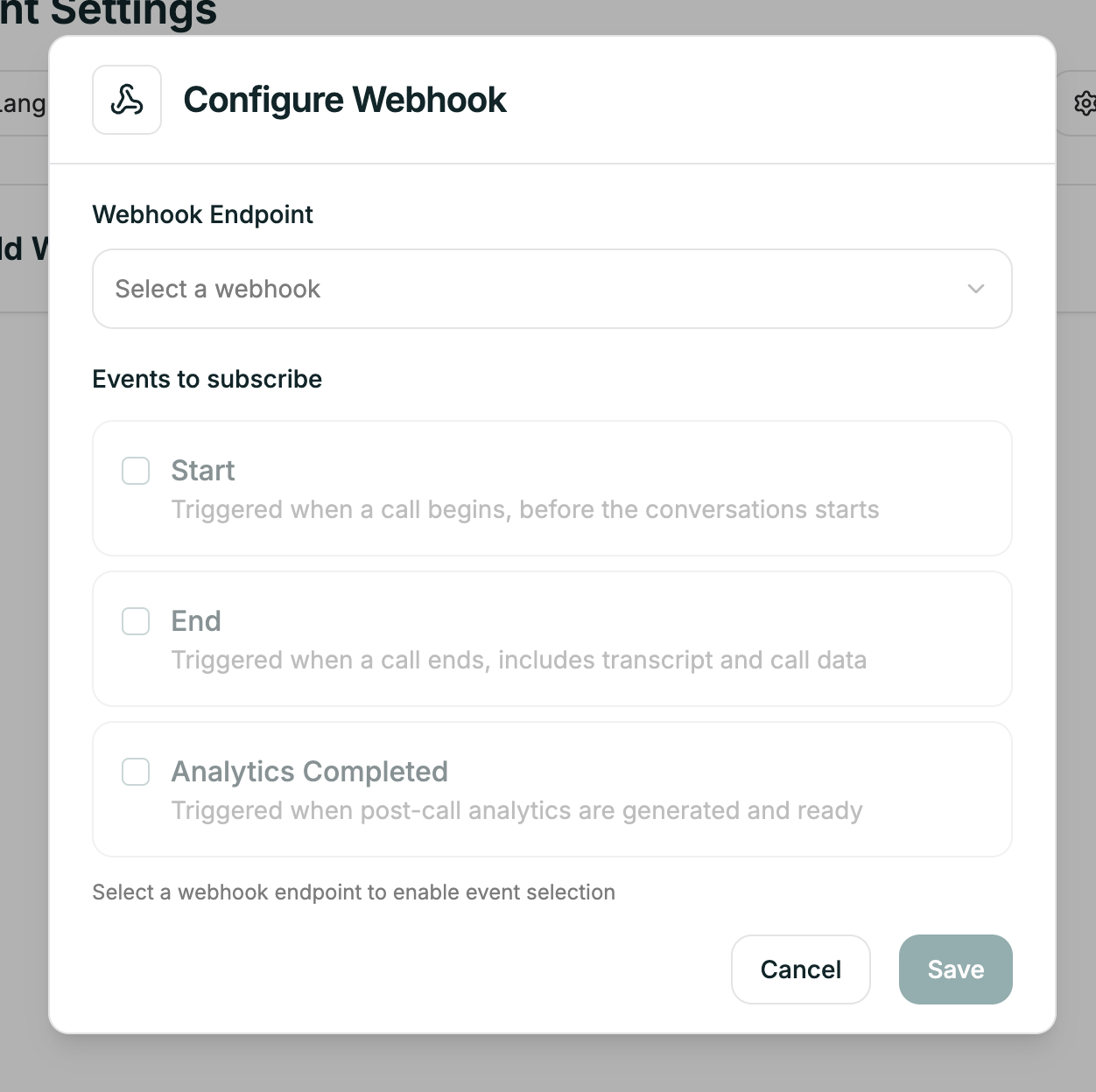
Select your webhook from the dropdown. The agent will now send events to that endpoint.
***
## Next
Create endpoints, manage subscriptions, and view payload details