***
title: Integrations
sidebarTitle: Integrations
description: Connect your agent to third-party services.
--------------------------------------------------------
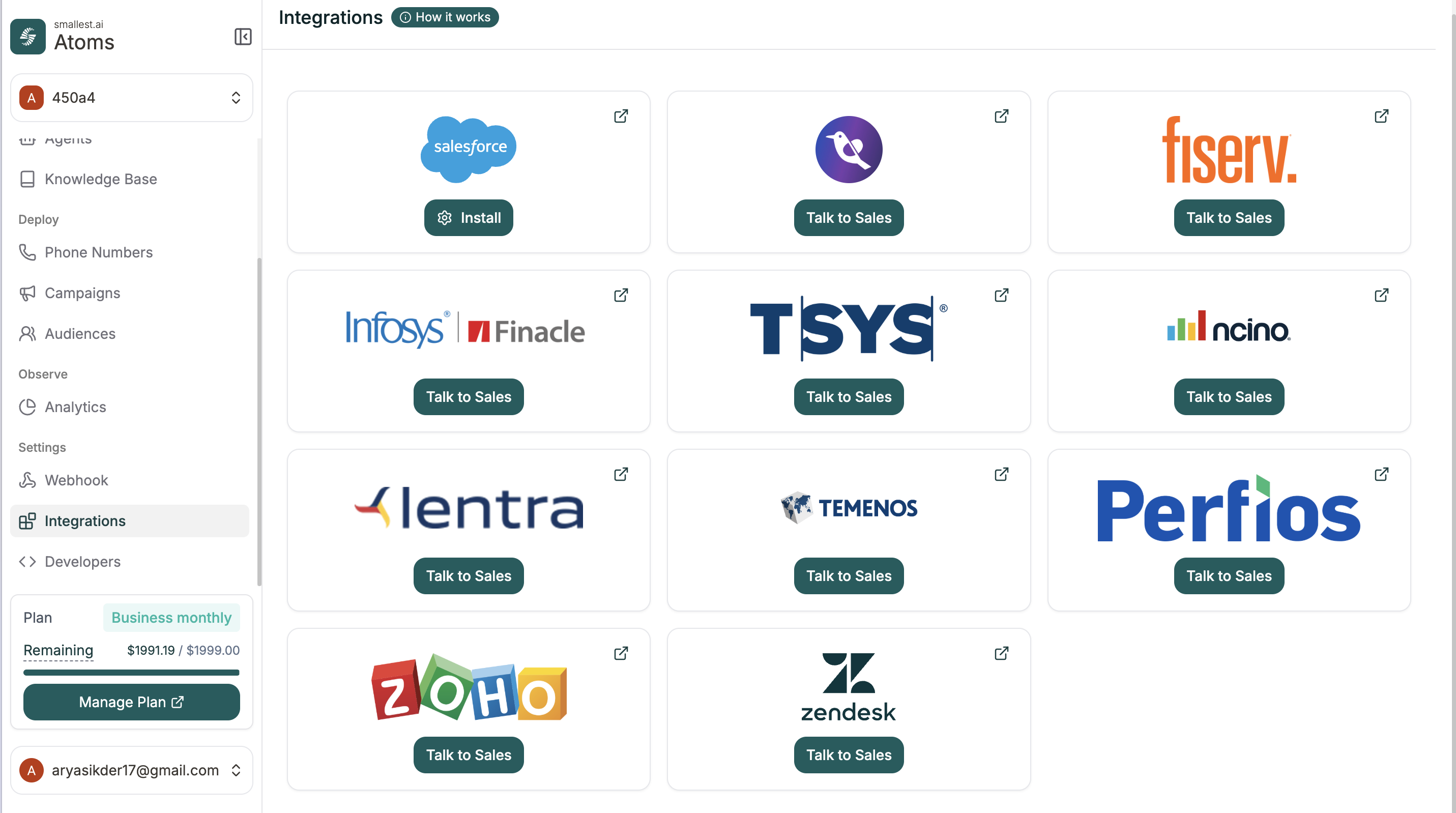
Integrations let your agent connect directly to external services like CRMs — without custom API configuration. Click, authenticate, and you're connected.
**Location:** Left Sidebar → Integrations
 ***
## Available Integrations
We support integrations with Salesforce, Zendesk, Zoho, Fiserv, TSYS, and more.
Some integrations (like Salesforce) are available to install directly. Others show **Talk to Sales** — reach out and we'll enable them for your account.
***
## Connecting Salesforce
Find Salesforce on the integrations page and click **Install**.
Enter your Salesforce subdomain (the part before `.my.salesforce.com`).
***
## Available Integrations
We support integrations with Salesforce, Zendesk, Zoho, Fiserv, TSYS, and more.
Some integrations (like Salesforce) are available to install directly. Others show **Talk to Sales** — reach out and we'll enable them for your account.
***
## Connecting Salesforce
Find Salesforce on the integrations page and click **Install**.
Enter your Salesforce subdomain (the part before `.my.salesforce.com`).
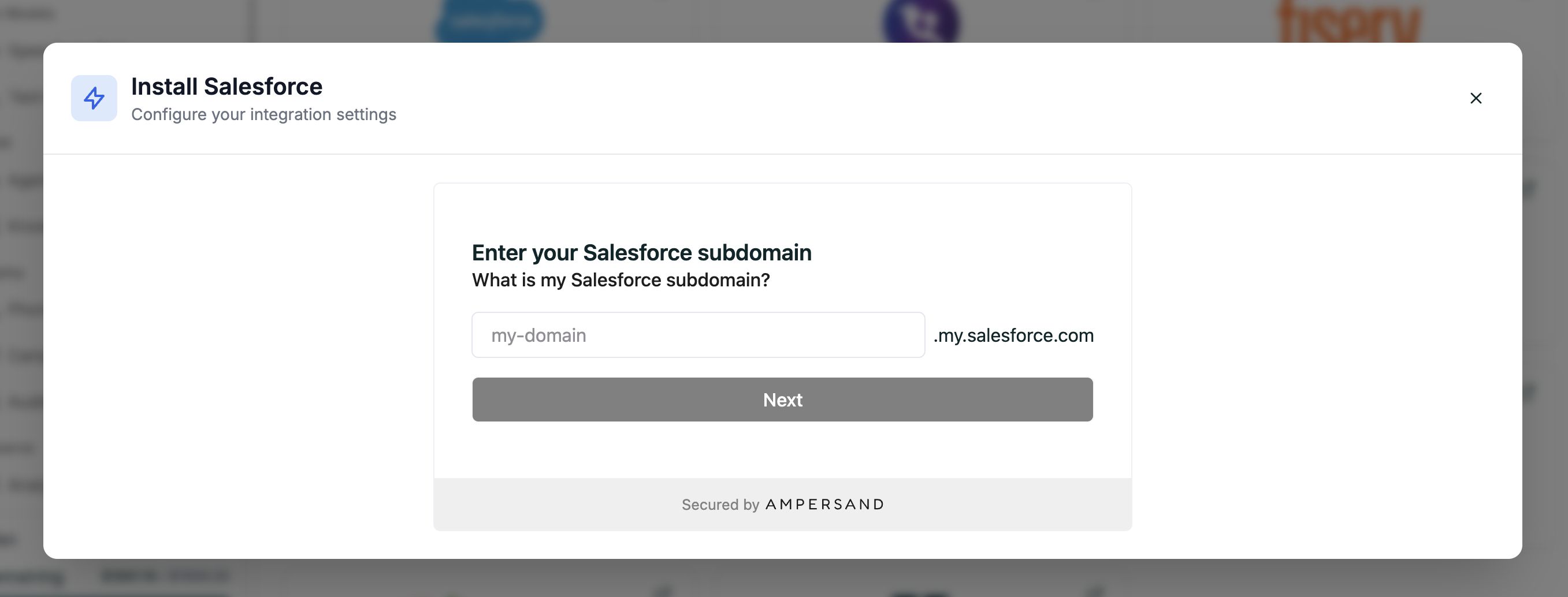 Follow the prompts to log in and authorize the connection.
Once connected, your agent can sync with Salesforce automatically.
***
## Need Something Else?
For services not listed, use [API Calls](/atoms/atoms-platform/single-prompt-agents/configuration-panel/api-calls) to connect to any REST API.
Connect to any external service
Send data when events happen
Follow the prompts to log in and authorize the connection.
Once connected, your agent can sync with Salesforce automatically.
***
## Need Something Else?
For services not listed, use [API Calls](/atoms/atoms-platform/single-prompt-agents/configuration-panel/api-calls) to connect to any REST API.
Connect to any external service
Send data when events happen