***
title: Testing Your Agent
sidebarTitle: Testing
description: Validate your agent before deploying to production.
----------------------------------------------------------------
Testing is the difference between a great agent and a frustrating one. Atoms gives you three ways to test, so you can catch issues before real callers do.
**Location:** Top right → **Test Agent** button
***
## Three Test Modes
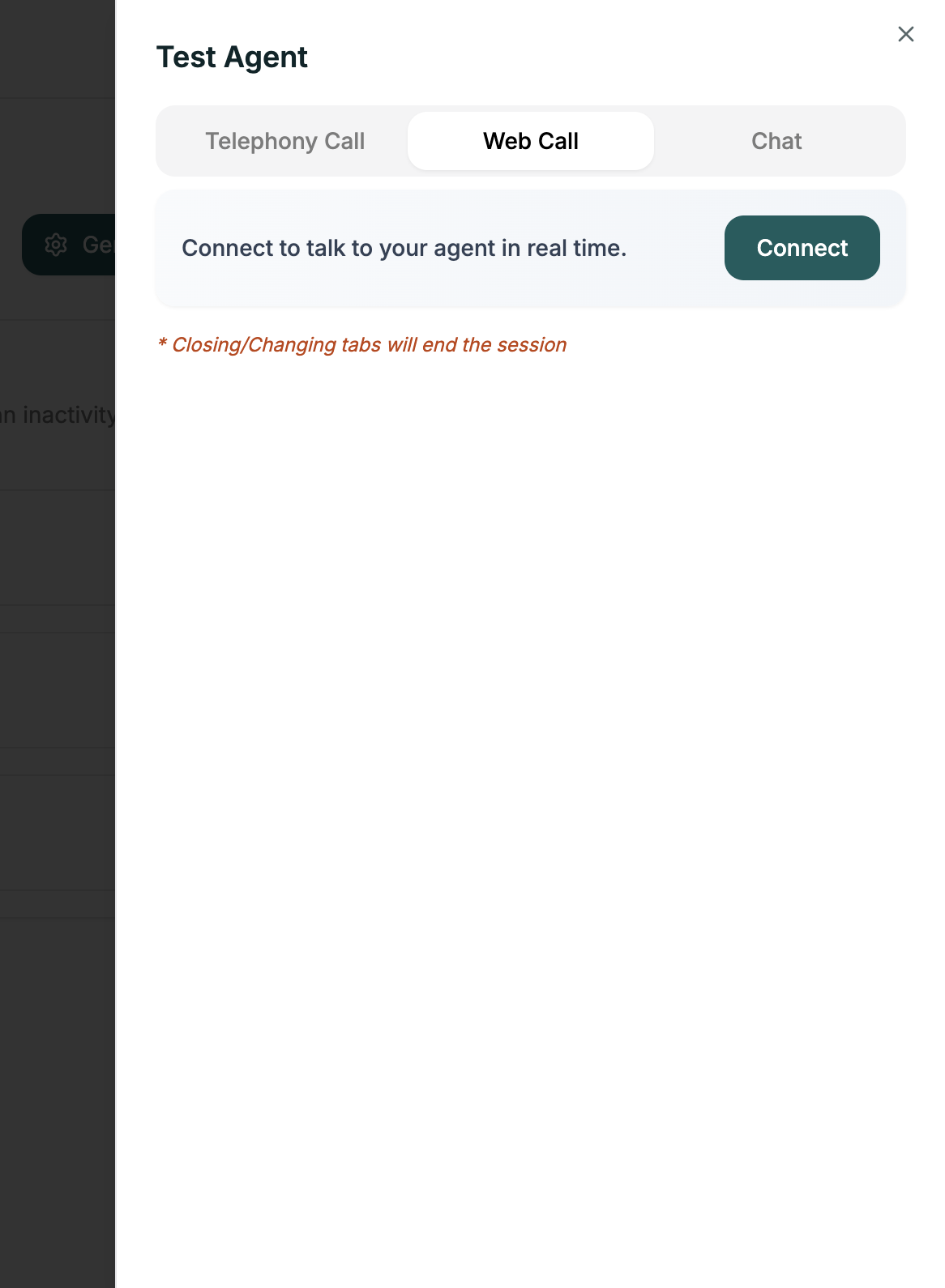
**Voice call in your browser.** Quick and convenient — no phone needed.
Best for rapid testing during development.
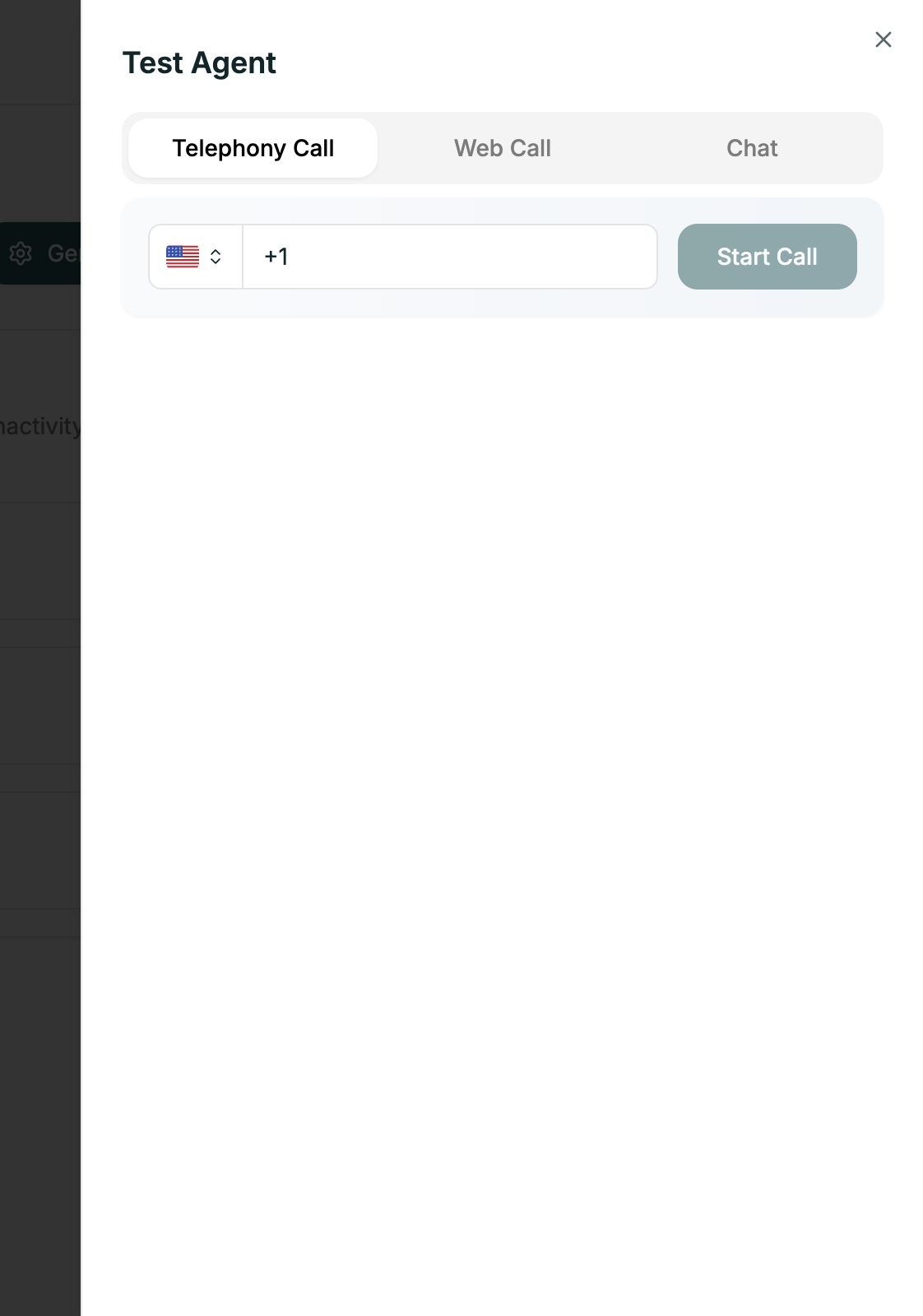
**Real phone call.** The authentic experience — exactly what your callers will hear.
Best for final validation before launch.
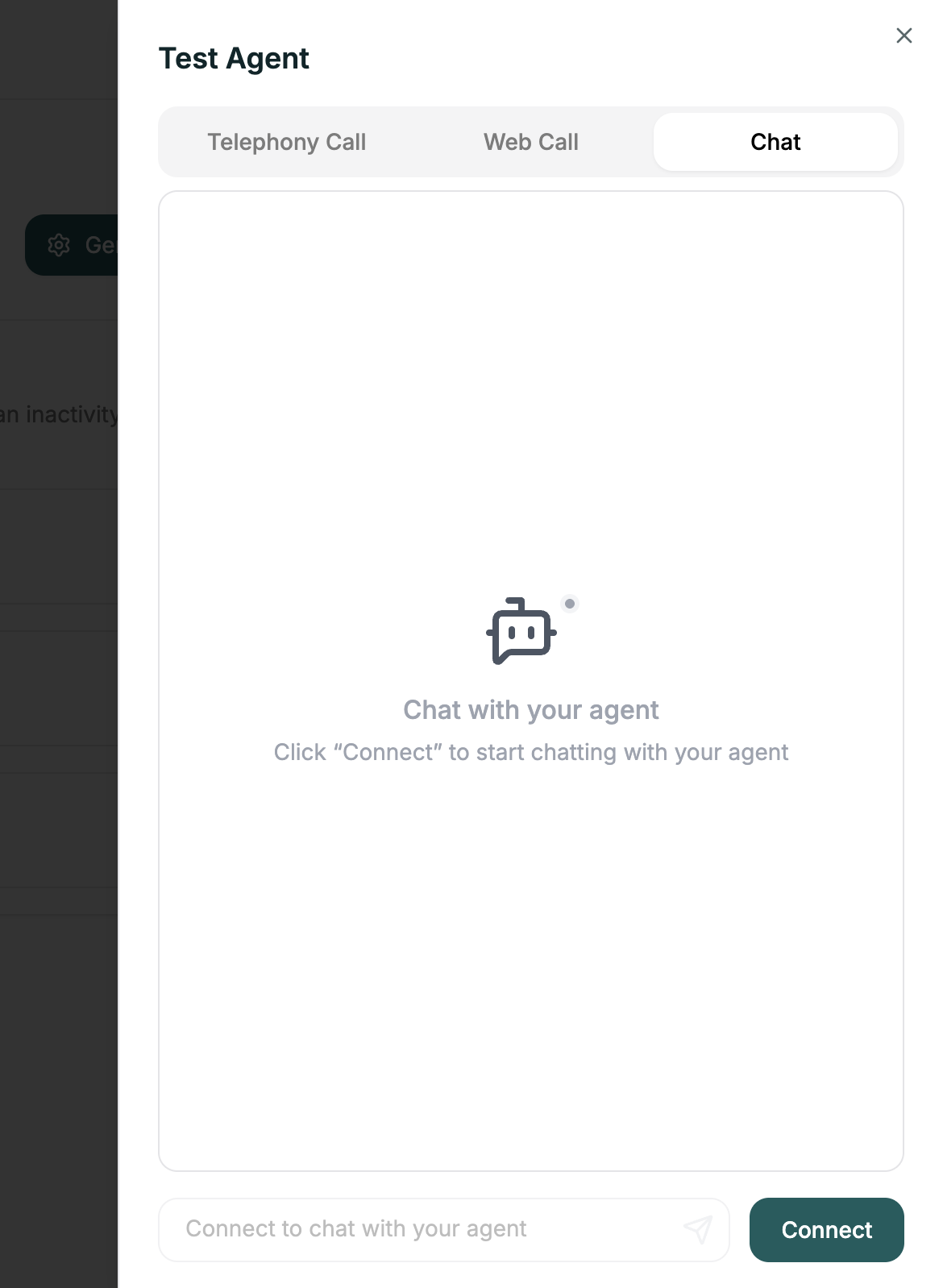
**Text-only conversation.** Test conversation logic without voice.
Best for testing branching and prompts quickly.
***
## Related
Review call transcripts
Protect production agents